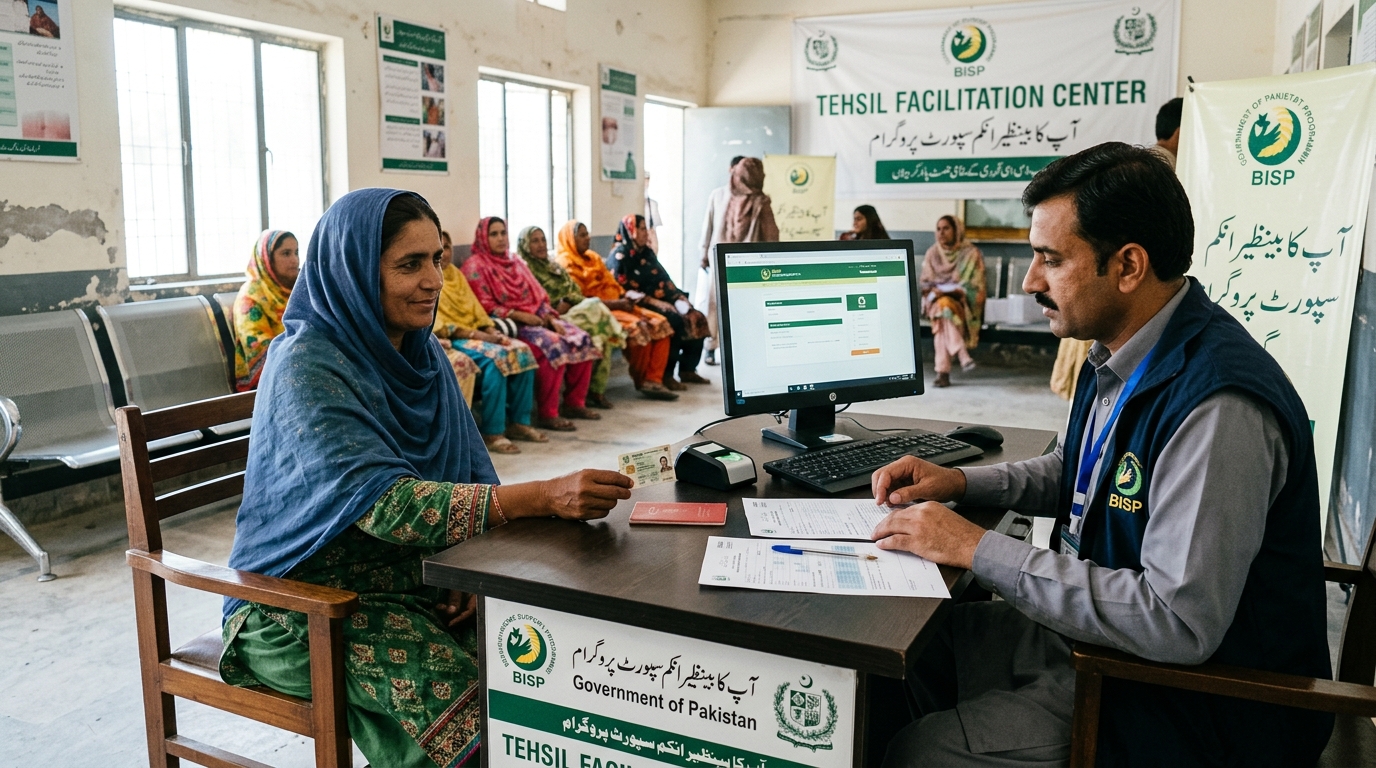
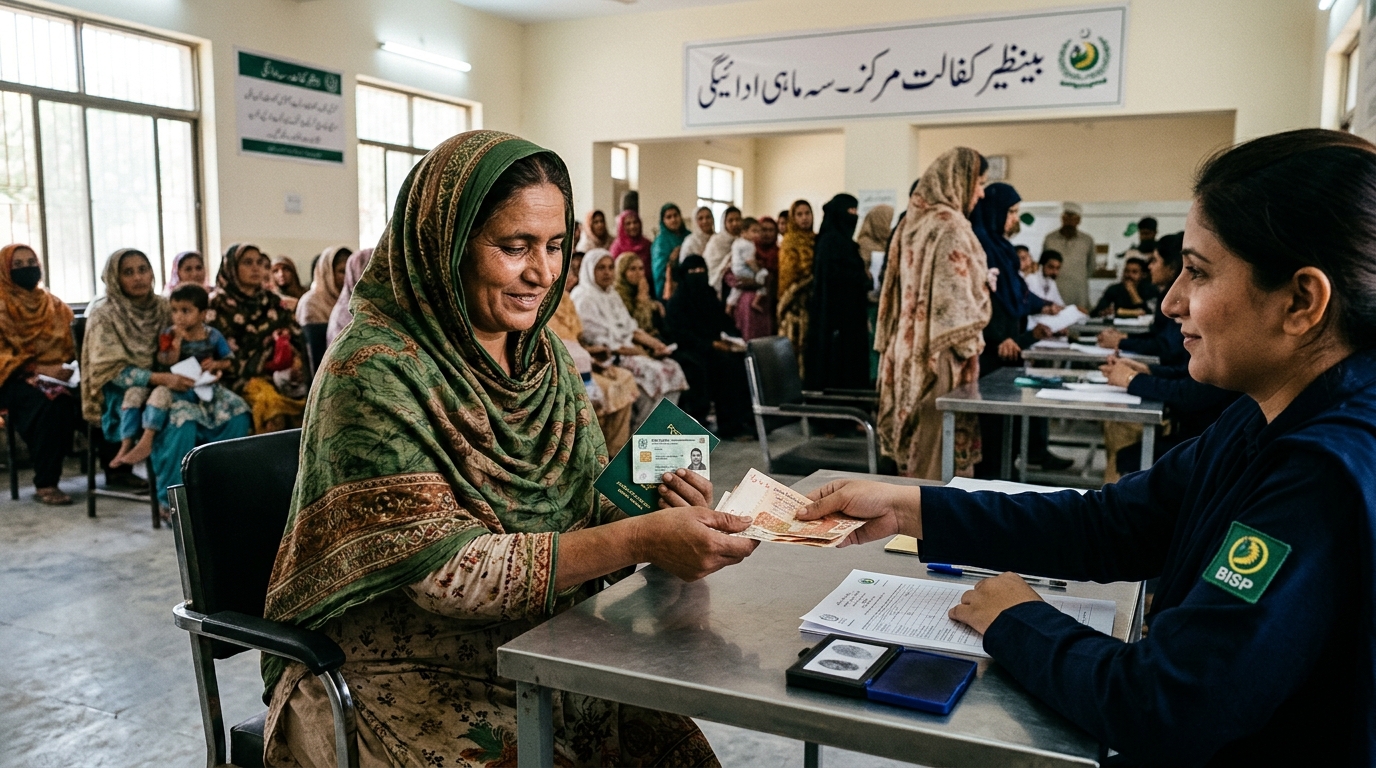
What is the 8171 web portal?
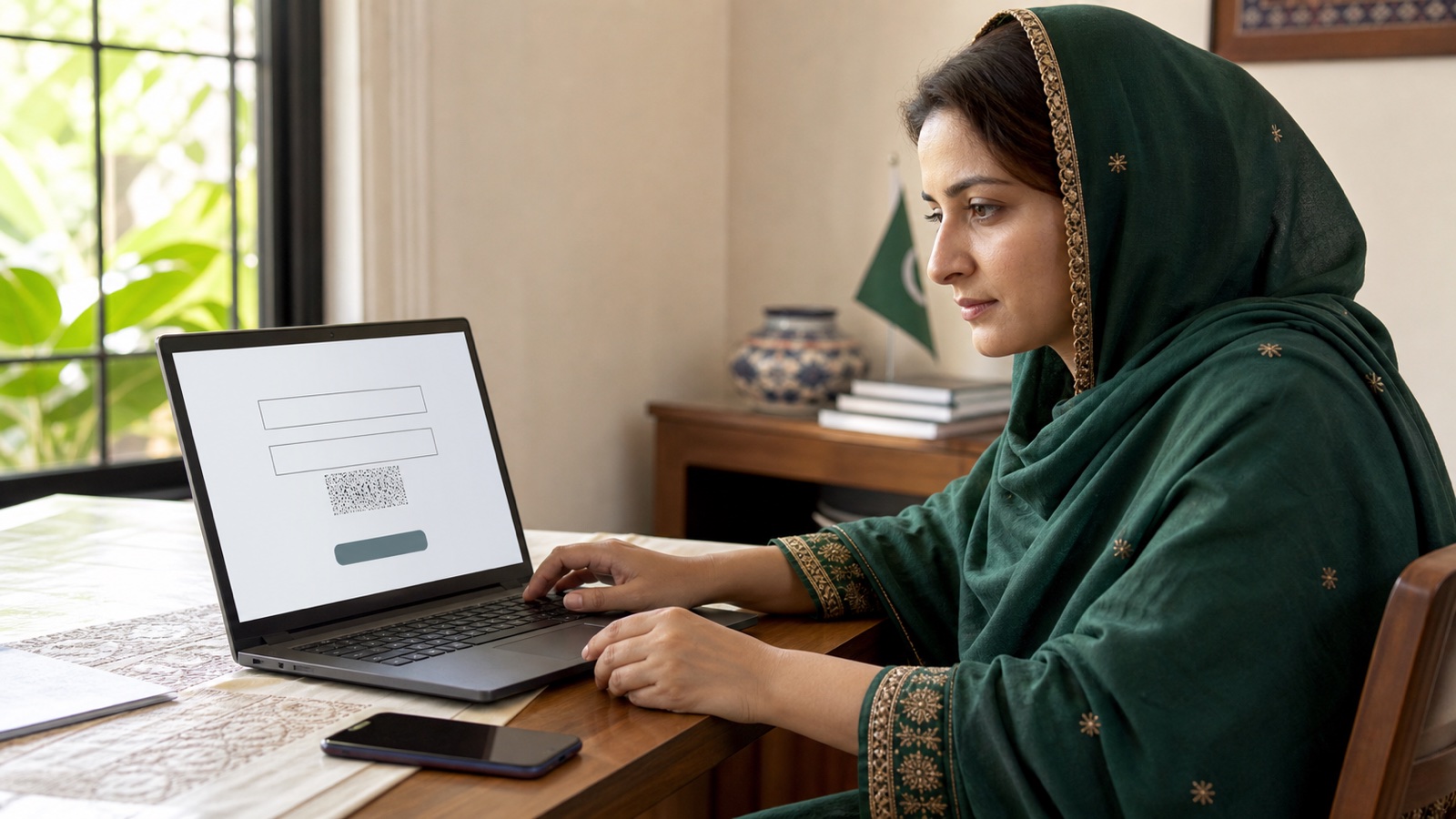
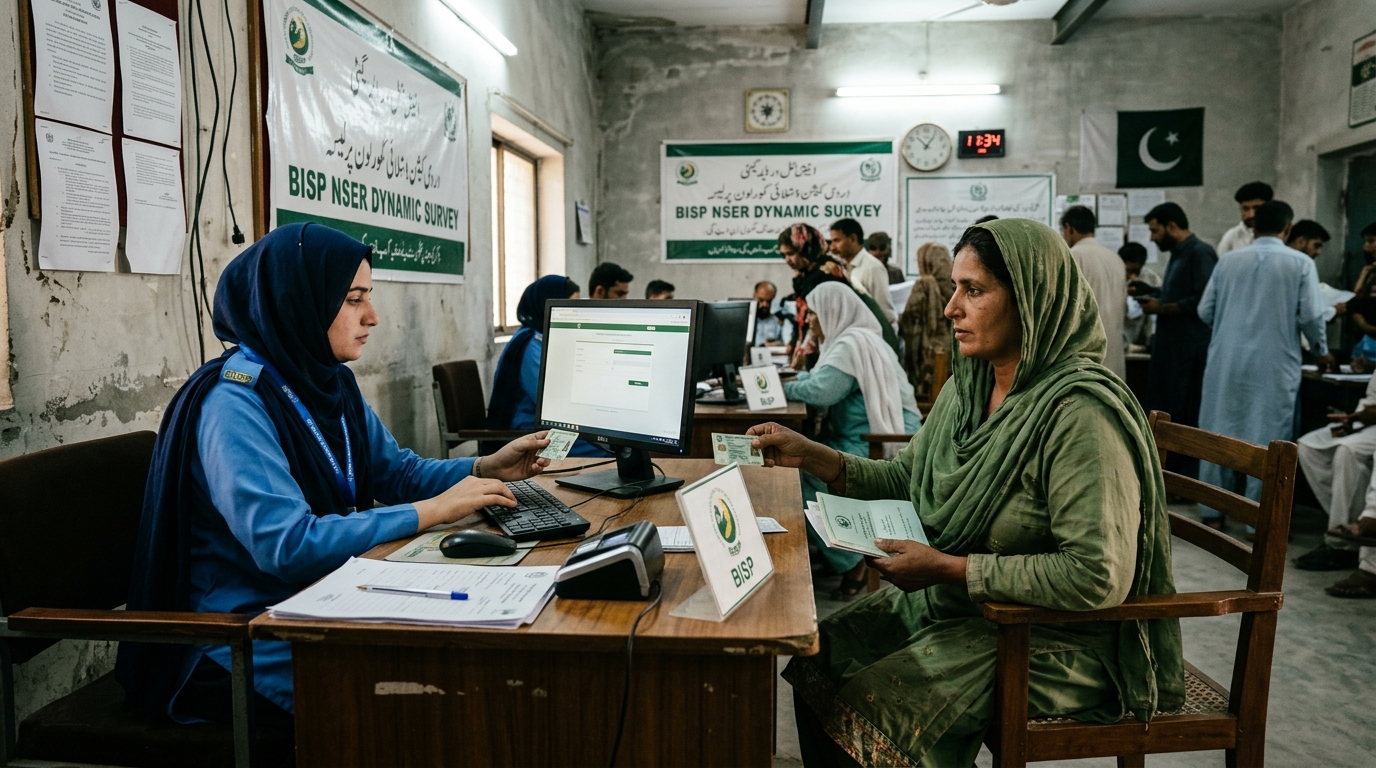
The 8171 web portal is BISP's public household eligibility-checking page. Its official address is 8171.bisp.gov.pk. On the page checked for this guide, the visible Urdu form asks for an identity-card number and the code shown in an image. It introduces the service as a way to learn about household eligibility.
That description matters. An eligibility result is not a complete bank statement, an application form for every welfare scheme or a promise that cash can be collected immediately. This hub explains how to reach the correct service and choose a detailed guide for the problem you actually have. PakBenefits provides explanations and official links; it does not process a CNIC check itself.
How to access the official page
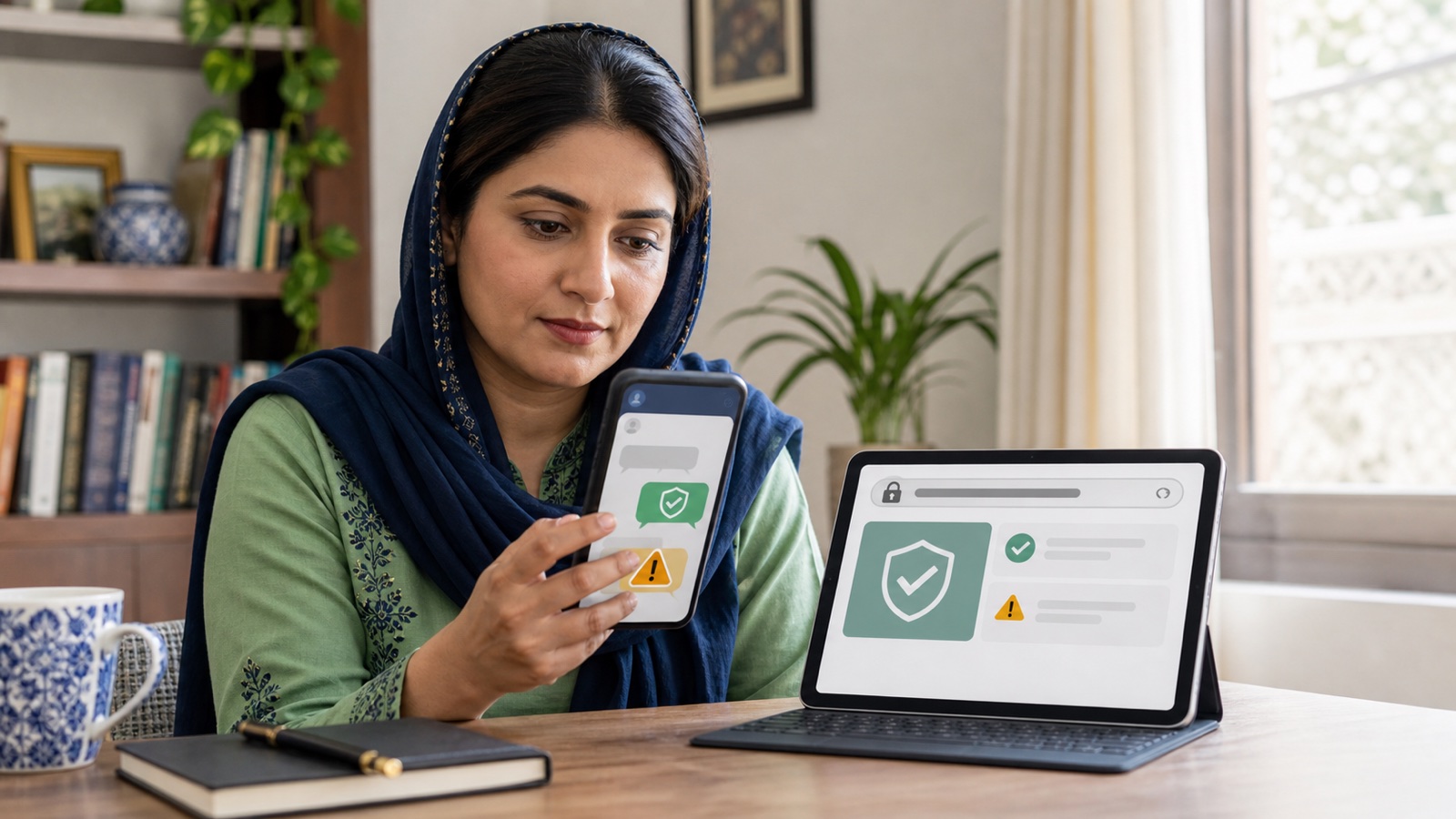
Open the official BISP website or type the portal address carefully in your browser. Read the address bar before entering information. Search results, advertisements and forwarded messages can contain similar-looking names, so the wording of a page title is not enough to establish that you are on the right service.
A useful distinction is between the website's hostname and the rest of the address. The hostname should be 8171.bisp.gov.pk. An address that contains those words inside a longer unrelated domain is different. A padlock indicates an encrypted connection to the site you opened; it does not establish that an unrelated site belongs to BISP.
Keep the official starting address in a bookmark. Some government websites create a longer session address after opening. Return through the original bookmark when starting a new check rather than sharing a session link with somebody else. Do not copy identity details into a search engine to find the page.
The CNIC field, verification code and login question
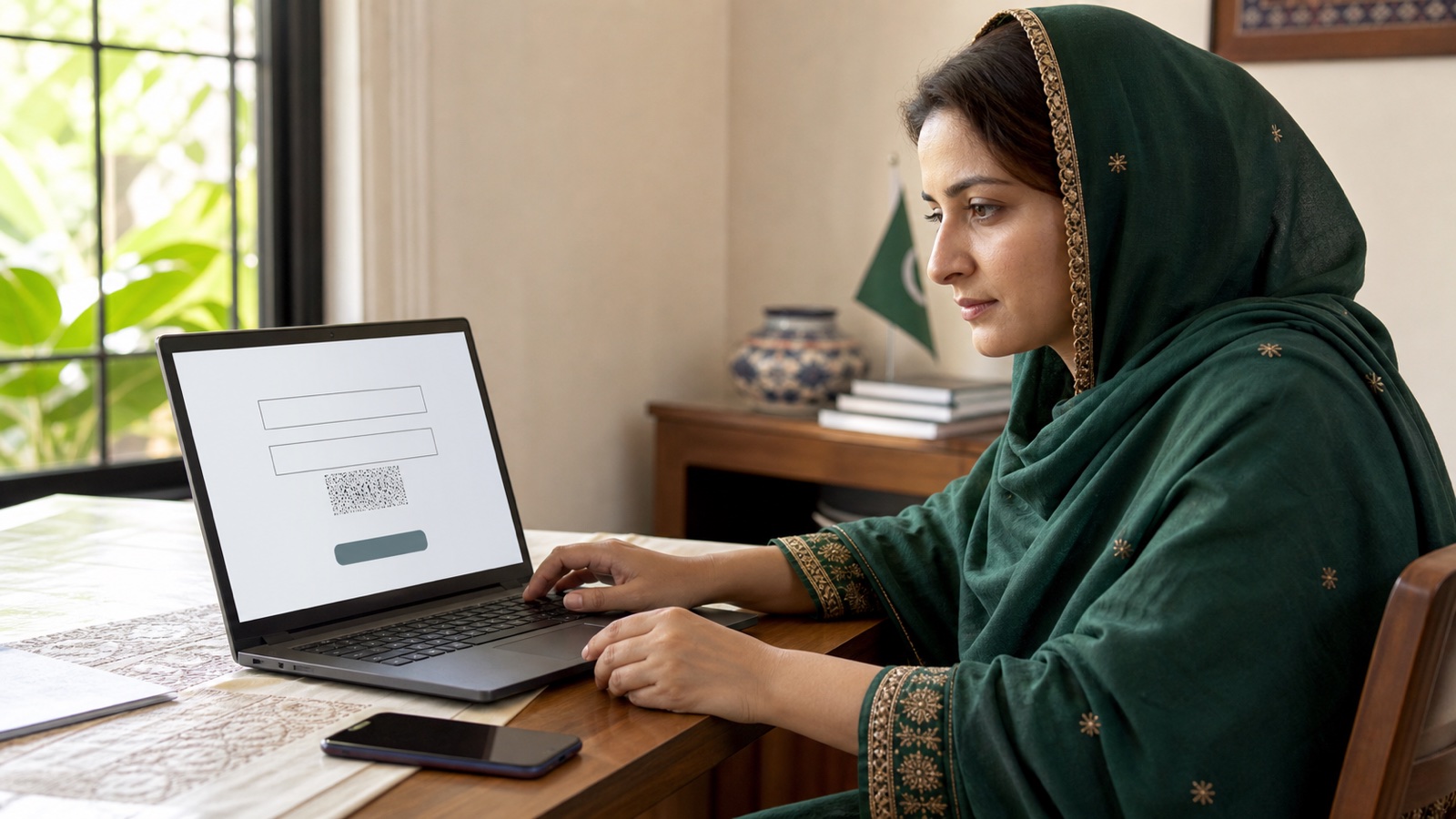
Use your own household's relevant identity record and read each field label. Check the digits before submitting and enter the code displayed on the page. If the verification image is difficult to read, use the page's available refresh option or reload it. Random guesses can create more confusion without resolving the original difficulty.
People searching for an 8171 login sometimes expect a username and password. The public form we checked displays CNIC and image-code fields. Do not confuse it with an employee system, a banking app or a programme application account. A third-party page requesting a bank password to check household eligibility is asking for unrelated information.
If you need help reading Urdu, a trusted person can explain the labels while you control the device. You should not have to send a CNIC photograph to an unknown person just to understand what the form asks. Use the detailed status-check article for a full walkthrough and examples of questions to take to BISP.
What you can and cannot conclude from a result
Read the entire returned message rather than only the first word or a coloured heading. The result may direct you toward a specific official follow-up. Keep the date of the check and the instruction so that you can explain the issue accurately later. Do not publish an unredacted screenshot when asking for general help.
The public form alone does not establish which payment information will be available for a particular household. If a result only confirms eligibility, you still need BISP's collection instruction or authorized payment information before assuming an installment is ready. Likewise, a household status cannot confirm every child's separate education record.
A blank page, an error or a failed submission is a technical event. It does not prove that assistance has ended. Separate what the website actually says from what it failed to display. That distinction prevents a connection problem from being mistaken for an official eligibility decision.
Using 8171 when internet access is limited
BISP identifies 8171 as its official messaging number. Follow current BISP guidance for sending a CNIC by SMS and reading any reply. Keep the recipient number separate from the message text, and check it before sending. A message from a different number claiming to release a payment needs independent verification.
A delayed reply can have several explanations, including network or service availability. Repeated messages are not a way to change eligibility. The portal and SMS are different interfaces, and readers should not assume they will always display identical information at the same moment. If the question remains unresolved, use BISP's official support or office route.
BISP does not require an agent fee for a status inquiry. Mobile network charges may depend on the service and operator, so we do not promise that every text message is free. Ask the operator about messaging charges if needed. Never pay a private wallet to activate an official reply.
Portal not working: where to start
Begin with the narrowest description of the problem. Is the website unavailable, is the image code missing, or does the form submit and return a message you do not understand? These situations need different responses. Check your connection with another ordinary website before concluding that the government service is down.
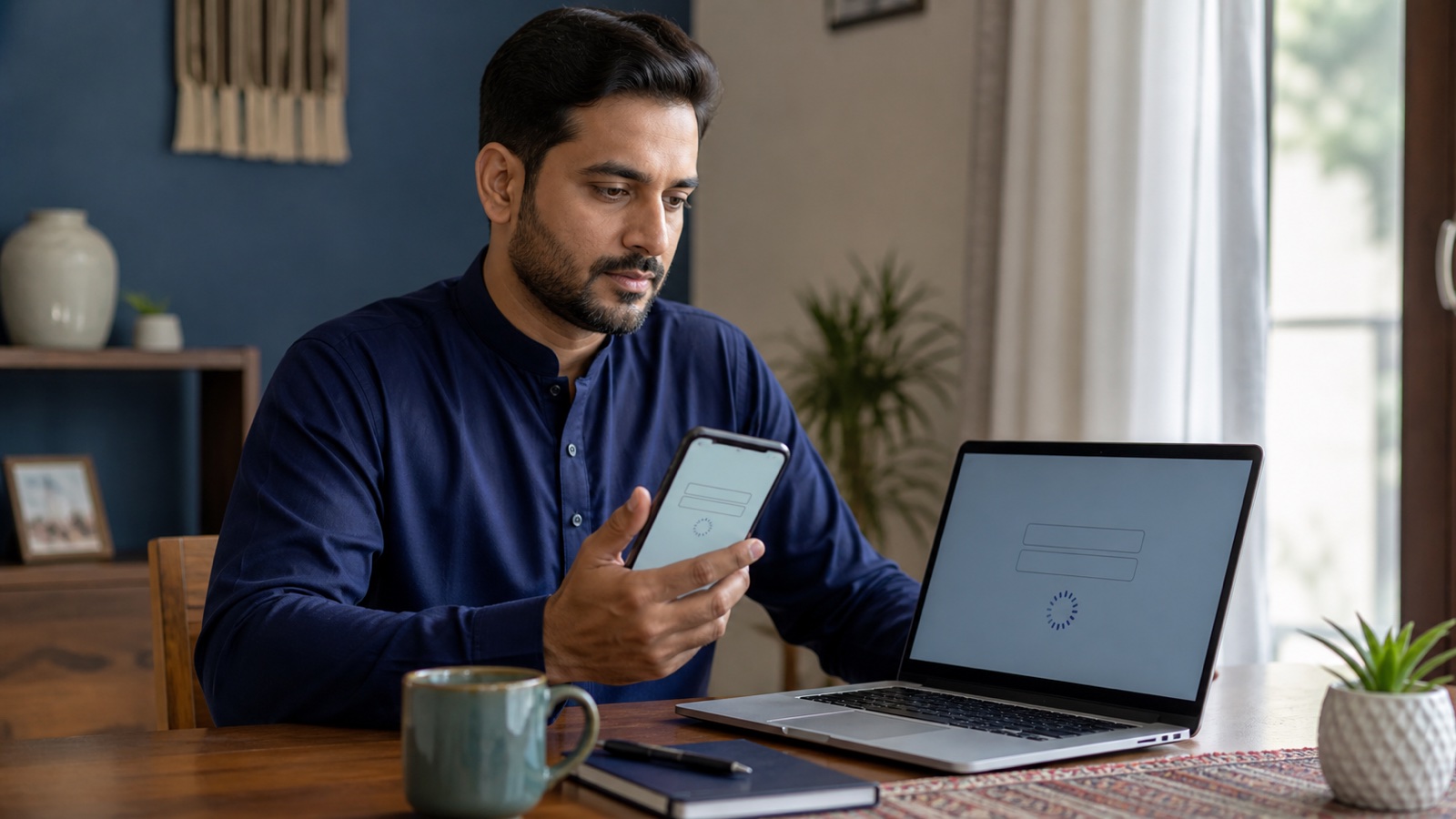
If the page opens incorrectly, try a current browser and a fresh visit through the official address. Avoid installing a browser extension or app advertised as a portal unlocker. An extension can read information on a page, and an unofficial download is not needed to interpret a public eligibility form.
Our troubleshooting guide covers connection checks and safer alternatives in more detail. It is an evergreen explanation, not a live outage monitor. We cannot confirm a nationwide outage merely because one device fails to load the page. If you need an individual case resolved, contact BISP rather than waiting for a third-party website to issue an all-clear.
Mobile versus desktop access
A phone can be convenient when it is your own device and has a reliable connection. Increase the text size if necessary and check the full address before moving to the form. Rotate the device or use the browser's normal zoom controls if a label or verification image is difficult to see.
A desktop can make it easier to read a long result, but a shared computer introduces privacy concerns. Avoid saving personal information in browser autofill. Close the page after use, remove any downloaded screenshot containing private details and sign out of unrelated accounts that you opened during the visit.
An official page may behave differently in a browser built into a social-media app. Opening the same official address in a standard browser can make the address and controls easier to inspect. This is a practical reading aid, not a method to bypass an eligibility check or accelerate processing.
Registration questions belong to the registration guide
A status check reads information already available to the programme. It does not replace a household survey or turn a private website into an application centre. If you have been directed to update your record, follow the relevant official process and use the registration guide to prepare.
People sometimes receive advice to submit the same details on several websites to improve their chances. This does not establish multiple valid applications; it can simply expose the same identity information to more parties. Keep the process with BISP and retain any genuine reference issued by the responsible office.
Ehsaas tracking and other programme names
Many readers still call a BISP household check Ehsaas tracking. The detailed tracking guide explains the terminology and how to follow a BISP-related inquiry. Other schemes using an Ehsaas or provincial label may have their own organizations and systems. Their application results should not be inferred from an 8171 result.
Use the programme name on the official announcement as your starting point. A youth business loan, a Punjab farming card and a child's school stipend do not become the same service because each asks for identity verification. The CNIC hub and programme categories help you identify the appropriate destination before sharing information.
When to ask BISP for help
Contact BISP when an instruction is unclear, your record requires attention or an authorized payment issue cannot be resolved. The official website lists the helpline 0800-26477. Check that listing before calling, describe the issue precisely and keep any complaint reference for a later follow-up.
PakBenefits can receive editorial corrections about this guide, but it cannot inspect your household record. If someone claims to represent this website and asks for a release fee or personal banking code, stop the exchange. Use the fraud guide for evidence preservation and official reporting routes.
Frequently asked questions
How do I access the 8171 web portal?
Open https://8171.bisp.gov.pk/ and inspect the address before using the CNIC and image-code fields.
Do I need a username or password for the public 8171 page?
The public form checked for this guide asks for a CNIC and an image code; it does not ask for a bank password.
Is there an official 8171 app I must install?
The public portal can be opened in a browser. Do not install an app from a forwarded link to perform a basic check.
Does an eligibility result mean cash is ready?
No. Confirm the installment and collection instruction through BISP before travelling.
What if the 8171 portal will not load?
Check your connection, try the official address in a current browser and use BISP support if the problem continues. A loading error is not an eligibility decision.