This article explains public information. It does not determine eligibility or replace an official notice.
What Does "Approved" Actually Mean on BISP?
An approved status means BISP has generated your installment for the relevant payment cycle. It does not mean the cash is sitting in your hand, your bank account or your mobile wallet. The money can be approved at programme level while a separate step still blocks collection.
This distinction matters because beneficiaries often read "approved" as "paid". When they reach an agent and the balance is not there, they assume the payment was lost or stolen. In most cases, the installment is still waiting on a verification step, a collection attempt or a payment phase that has not reached their district.
Three Different Records Behind One Word
A BISP payment involves at least three records, and they do not update at the same moment.
When you check the 8171 web portal or receive an SMS, you are reading programme information. When you visit a payment point, you are testing the collection record. If the two disagree, the useful question is: which record is holding the payment, and who controls it?
- The household record - your NSER data and PMT assessment. This decides whether your household is inside the eligibility threshold.
- The payment record - BISP's decision to generate and release an installment for a specific cycle. This is what "approved" or "payment generated" describes.
- The collection record - the transaction at a bank, agent, wallet or camp. This is the only record that confirms cash actually changed hands.
How to Check Your BISP Payment Status by CNIC in 2026
Start with the official 8171 route before travelling anywhere. It tells you what BISP currently holds for your CNIC and often gives the instruction that resolves the confusion. The check is free.
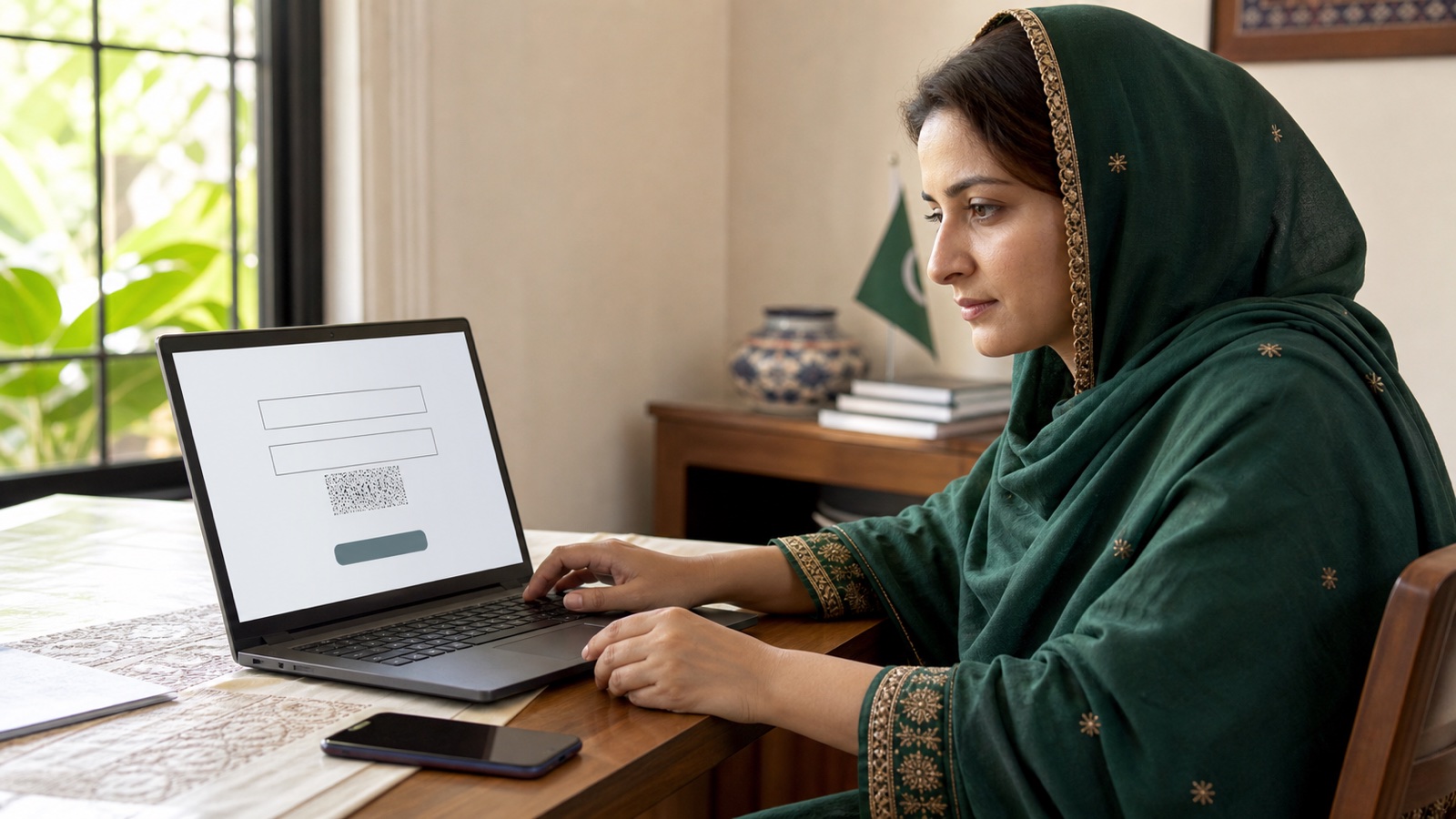
Checking Through the 8171 Web Portal
If the page will not load, refresh it or try again later. A blank page or a failed captcha is a technical error, not a payment decision.
- Open the official portal at 8171.bisp.gov.pk and confirm the address before entering anything.
- Type your 13-digit CNIC without dashes or spaces.
- Complete the image code (captcha) shown on the page.
- Submit the form and read the whole reply, including any instruction at the end.
Checking by SMS to 8171
Send your 13-digit CNIC by SMS to 8171 from a SIM registered in your own name. The automated reply usually states your recorded status and may ask you to complete a survey or visit an office. Keep the message and note the date; if you later file a complaint, the exact wording is your evidence of what the system told you.
Reading the Reply: Paid, Pending, Generated, Under Verification
Exact wording can vary between the portal and SMS, so read the message you actually received rather than comparing it to a screenshot.
A status word is not a final decision. Treat it as the starting point for the correct follow-up.
| Reply you may see | What it usually means | First action |
|---|---|---|
| Approved / Payment generated | BISP has created the installment for this cycle | Check whether your district phase has started, then try the official payment point |
| Pending | The installment is not yet released for collection | Wait for the phase or instruction; recheck 8171 |
| Paid / Disbursed | The system records the amount as collected | Ask the provider for the transaction record if you did not receive it |
| Under verification | A record check is holding the payment | Visit the BISP office with your CNIC and ask what needs updating |
| No record found | The household is not linked to a valid survey record | Complete or update the NSER survey at a BISP Tehsil Office |
Why Your Payment Is Approved but Not Received: 7 Common Causes
Most "approved but no cash" cases trace back to one of these seven causes. Each has a different fix, which is why paying an agent to "release" the payment rarely helps.
1. Your District Phase Has Not Started
BISP releases payments in phases, and districts are served at different times within a cycle. An installment can be announced nationally while your area's collection window is still ahead. If 8171 says approved but the payment point has nothing, ask when your district phase begins rather than travelling daily.
2. Biometric Verification Failed at the Payment Point
Payment collection at banks, agents and camps usually requires a fingerprint match against NADRA records. Worn fingerprints, a damaged thumb or a device error can fail the match even when the payment is approved. The fix is the official one: ask the payment point or BISP what verification alternative applies, and update your biometric record at NADRA if the prints no longer scan reliably.
3. The Payment Is Stuck in a Wallet or Bank Account
If your installment was routed to a mobile wallet or a social protection account, the cash may be in that account rather than at a counter. Open the wallet app or ask the provider for a mini-statement. Remember that a zero wallet balance and a BISP eligibility result are different records; one does not explain the other.
4. Your SIM or Mobile Number Is Not Registered to Your CNIC
BISP sends payment alerts and some wallet instructions to the number linked with your record. A SIM registered under a husband's, son's or shopkeeper's CNIC can block those messages or fail wallet activation. Use a SIM issued biometrically in your own name and keep it active.
5. NSER Survey Data Needs Re-Verification
If the household record is outdated, or a data cross-check flags a mismatch, the payment can be held for verification even after it was generated. This is the single most common cause behind repeated "approved but nothing at the counter" visits. Visit the BISP Tehsil Office, ask exactly which fact needs re-verification and bring the document that proves it.
6. Someone Collected It or Deducted a Share
A payment can be marked as paid because someone collected it with a matching identity document or because an agent completed the transaction and kept part of the amount. If the provider's record shows a withdrawal you did not make, treat it as a complaint with evidence: note the date, location, amount and the person involved, then report it through BISP and the provider.
7. CNIC or Family Record Mismatch
An expired CNIC, a name spelling difference or a family relationship that changed without being recorded can hold a payment at the last step. Fix identity errors at NADRA first, then ask BISP whether the household record needs updating to match.
Step-by-Step: How to Fix a Missing BISP Payment
Work through the steps in order. Skipping to a new payment point or a new agent usually creates duplicate confusion rather than a release.
- Check your status on the official 8171 portal or by SMS and write down the exact wording and date.
- Confirm which payment cycle the message refers to. An approved amount for a previous cycle is a different question from the current one.
- Ask whether your district's phase has started before travelling to a payment point.
- Attempt collection once at the official payment point named for your case and keep the receipt or failed-transaction slip.
- If biometric verification fails, ask for the approved alternative and update your fingerprints at NADRA if needed.
- If the record is under verification, visit the BISP Tehsil Office with your original CNIC and supporting documents, and ask which fact needs correction.
- If the provider records a payment you never received, file a complaint with both the provider and BISP, and keep every reference number.
What to Do at the Bank, Agent or Camp
Ask for the transaction record, not just a verbal answer. If the counter says there is no money, request a mini-statement or a failed-transaction confirmation where the channel provides one. If the payment is released, count the cash before leaving and keep the receipt.
A deduction should never be treated as normal. BISP payment release does not depend on paying an agent a commission. If someone demands a share, note the location, date and amount, keep any receipt and report the incident through the BISP helpline (0800-26477) and the authorized provider. Ask for the component amounts and covered periods before accepting an explanation for a partial payment.
Approved but No Cash: Quick Diagnostic Table
Keep a short written record of each step: date, office or provider, message wording, reference number. That record turns a repeated complaint into a case an office can trace.
| What you see | What it usually means | First action | Where to resolve |
|---|---|---|---|
| 8171 says approved; payment point has nothing | District phase not started, or verification hold | Confirm the phase, then check the record | 8171, then BISP Tehsil Office |
| Fingerprint rejected at the counter | Biometric mismatch | Ask for the official alternative | Payment point / NADRA |
| Wallet shows zero but 8171 says approved | Wallet not activated, SIM mismatch, or funds elsewhere | Request a mini-statement | Wallet or bank provider |
| SMS never arrived | Registered number issue | Update your mobile number on the record | BISP office / telecom |
| Provider says "already paid" | Collection record exists | Ask for the transaction details | Provider, then BISP complaint |
| Status says under verification | Record check in progress | Ask which fact needs proof | BISP Tehsil Office |
| 8171 says no record | No valid survey link | Register or update the NSER record | BISP Tehsil Office |
How to Protect Yourself From Payment Scams
The most common scam around a missing payment is a person who offers to "release" it for a fee. No private agent can change a BISP record, unlock a verification hold or guarantee a release date. BISP registration, record updates and payment checks are free.
Trust messages from 8171, verify the portal address before entering your CNIC, and never share an unredacted CNIC, bank PIN or wallet code with a caller or in a public comment. If someone claims your payment is stuck and asks for payment to fix it, preserve the message and report it through the official helpline (0800-26477). The anti-fraud guide on this site lists the warning signs in more detail.
Frequently asked questions
Why does my BISP payment show approved but I have no cash?
An approved status means BISP generated the installment for the cycle; it does not confirm collection. Check whether your district phase has started, then try the official payment point, and ask BISP which record is holding the payment if the counter has nothing.
How do I check my BISP balance online by CNIC in 2026?
Use the official 8171 portal at 8171.bisp.gov.pk, enter your 13-digit CNIC and complete the captcha, or send your CNIC by SMS to 8171. The result shows programme status information rather than a guaranteed bank balance.
What does "Payment Generated" mean on 8171?
It means BISP has created the installment for the relevant cycle. It is a programme-side step, not proof that a bank, wallet or agent has the cash ready for collection.
How long does it take to receive a stuck BISP payment?
There is no single published turnaround because the cause decides the timeline. A phase issue resolves when your district's collection window opens; a verification hold resolves after the record is corrected and processed.
What should I do if my fingerprint fails at the payment point?
Ask the payment point or BISP which official alternative applies to your case. If your fingerprints no longer scan reliably, update your biometric record at a NADRA office before the next collection attempt.
Can I collect a BISP payment without a smartphone?
Yes. Collection at banks, agents and camps uses your original CNIC and biometric verification, and the 8171 SMS route works on a basic phone. A smartphone is only needed if your payment is routed to a mobile wallet.
What if an agent deducted money from my BISP payment?
Keep the receipt and note the location, date and amount, then report the deduction through the BISP helpline (0800-26477) and the authorized provider. BISP payment release does not depend on paying an agent a commission.
Does a zero wallet balance mean my payment was rejected?
No. A wallet balance, a released installment and an eligibility result are different records. Ask the provider about credits and withdrawals on the account, and ask BISP about the programme record.
Can I receive a missed installment later?
A pending or held installment can be released after the blocking issue is resolved, and previous unpaid installments may be added together. Confirm the position for your own case rather than relying on another beneficiary's experience.
Who do I contact about a missing BISP payment?
Start with the official 8171 status check, then the BISP helpline (0800-26477) or your BISP Tehsil Office for programme records, and the bank or wallet provider for transaction records. Keep every reference number you are given.
Sources and official links
Check the destination address before entering personal information.
Saad has covered BISP, Ehsaas, and provincial welfare schemes for Live Govt Schemes & Ehsaas Programs since 2024, cross-checking every guide against the current official portal before publication.
Ayesha reviews programme-eligibility and payment content for accuracy against BISP, NADRA NSER, and provincial notices, and flags any guide that needs an update after an official policy change.
Related guides
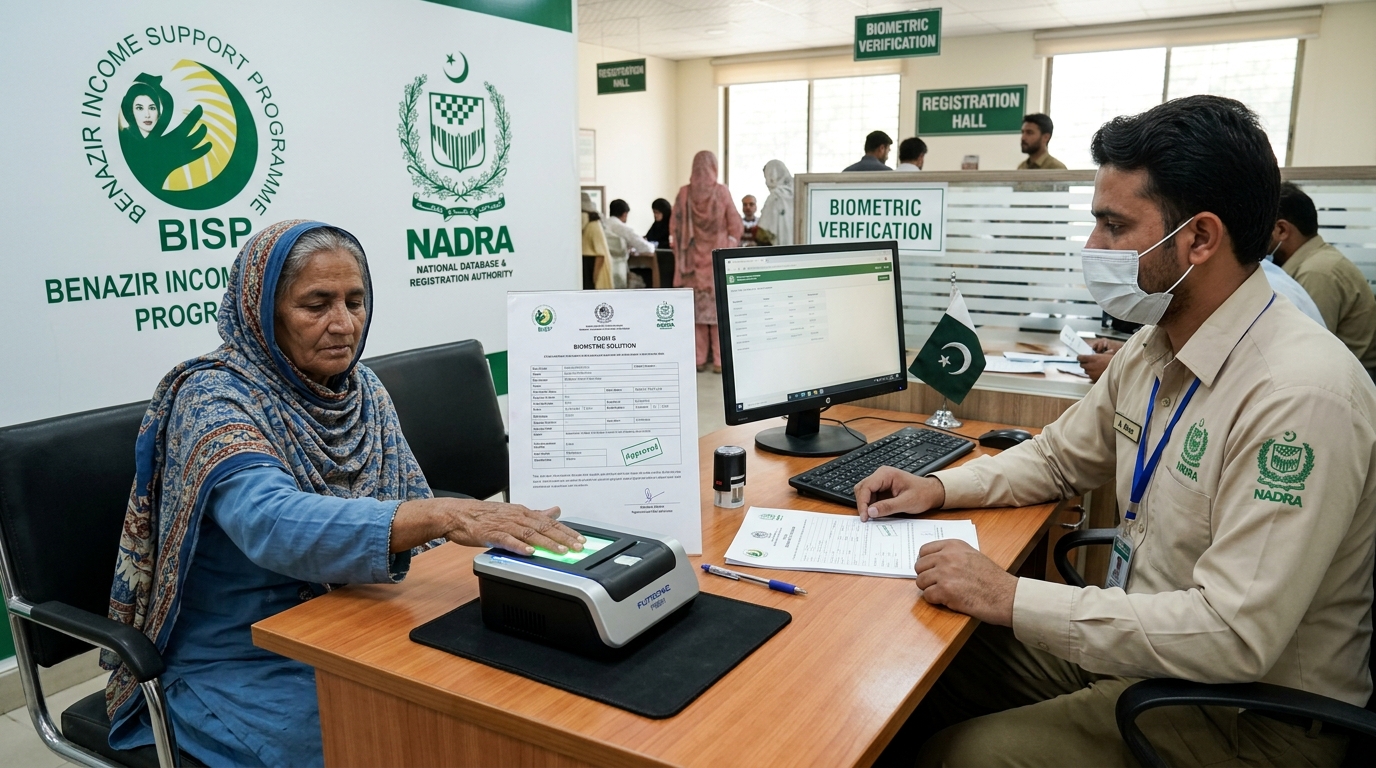
BISP Biometric Failed? Guaranteed Rs 13,500 Fix
POS machine ya ATM par fingerprints match na hone ki surat mein 13,500 Rs ki payment Form B aur NADRA verification ke zariye hasil karne ka mukammal tariqa.
Read guide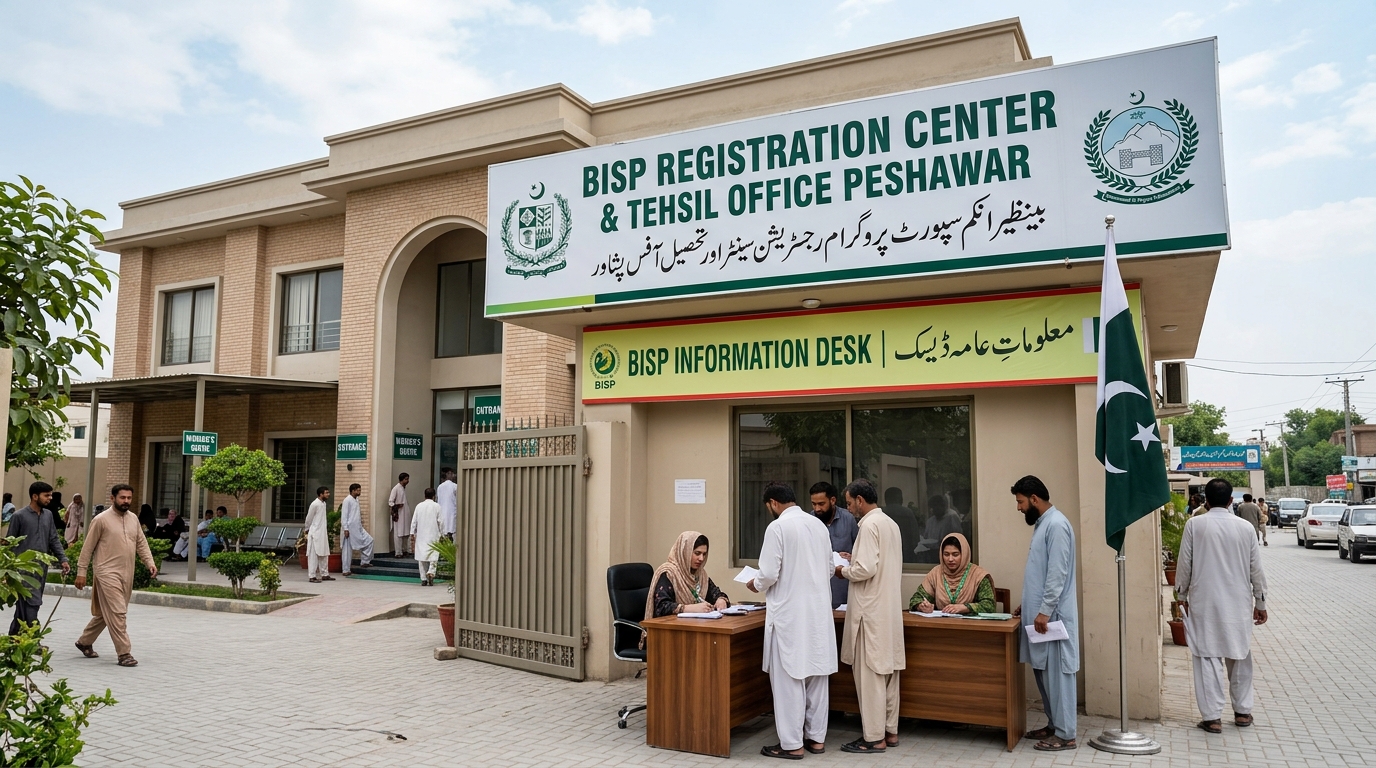
Verified BISP Tehsil Offices KPK & Peshawar List
Peshawar aur KPK ke tamam major districts ke BISP offices ke exact addresses, contact details aur timings ki mukammal master list.
Read guide
Fake 8171 SMS Check, Complaint & BISP Lottery Fraud Alert Guide
Spot fake 8171 SMS scams and report BISP lottery fraud. Step-by-step guide to reporting scammers on PTA 9000, BISP Helpline 0800-26477, Police 15, and FIA Cybercrime.
Read guide