
This article explains public information. It does not determine eligibility or replace an official notice.
Why Does BISP Biometric Verification Fail?
Biometric verification fails when the optical or capacitive scanner at a payment terminal cannot match your live fingerprint against the digital biometric templates stored in the National Database and Registration Authority (NADRA) database. The Benazir Income Support Programme (BISP) requires a match confidence score above 60% before releasing cash assistance to prevent fraudulent withdrawals. When skin conditions degrade, network latency interrupts data transmission, or civil identity documents expire, the automated system rejects the transaction to safeguard public funds.
Understanding the root cause of this failure prevents unnecessary repeat trips to crowded payment campsites. In most circumstances, biometric rejection stems from physical changes to epidermal skin ridges, communication timeouts between partner bank servers and NADRA, or administrative holds triggered by outdated household records in the National Socio-Economic Registry (NSER).
Physical Ridge Degradation in Elderly Beneficiaries and Laborers
Manual labor, agricultural work, and advanced age naturally flatten and erode the delicate friction ridges on human fingertips. Elderly women and agricultural workers frequently suffer from severe dermal dryness, calluses, or chemical wear from harsh detergents, which prevents optical scanners from detecting distinct whorl and loop patterns.
During the winter and dry harvesting seasons, skin resistance drops and microscopic cracks obscure ridge minutiae. When an optical scanner illuminates a dry or calloused finger, light scatters unevenly across the glass plate, producing a faint, smudged image that NADRA's Automated Fingerprint Identification System (AFIS) automatically rejects as an unreadable sample.
Expired CNIC and NADRA Record Discrepancies
An expired Computerized National Identity Card (CNIC) instantly terminates real-time biometric authentication between BISP disbursement portals and NADRA. Even if your physical fingerprint matches your historical record perfectly, the automated gateway rejects authentication if your identity card has passed its printed expiration date.
Furthermore, discrepancies between your marital status, residential address, or family composition recorded in NADRA and your BISP registration profile create administrative discrepancies. When NADRA flags an identity record for mandatory renewal or document verification, all dependent welfare disbursements remain frozen until the citizen updates their primary identity profile at an official registration center.
How to Fix BISP Biometric Verification Failed at the Payment Point
You can resolve over 40% of initial biometric verification failures right at the payment point through proper skin preparation and hardware troubleshooting. Before leaving a payment center or travelling to government administrative offices, apply physical conditioning techniques to restore finger moisture and test alternative biometric scanning channels.
Retail agent point-of-sale (POS) terminals accumulate grease, dust, and residue over hours of continuous field use. Combining clean skin surfaces with clean terminal glass dramatically increases optical contrast and ridge readability.
Pre-Scan Finger Preparation for Low-Quality Prints
Restore epidermal moisture and elasticity immediately prior to placing your finger on the optical glass. Dry friction ridges fail to create complete contact with the scanner surface, leading to partial, fractured fingerprint captures that fail automated matching.
- Wash Hands Thoroughly: Clean your hands with mild soap and lukewarm water to strip away surface grit, dust, and excess oil that distort scanner optics.
- Apply a Micro-Dose of Moisture: Rub a tiny drop of lotion, petroleum jelly, glycerin, or clean water onto your fingertips, ensuring the skin feels pliable rather than greasy.
- Stimulate Blood Circulation: Rub your hands and fingers vigorously together for thirty seconds to warm the tissue and expand the epidermal ridges slightly.
- Wipe Excess Surface Moisture: Pat your fingertips dry with a clean cotton cloth so no liquid pools on the scanner surface.
- Apply Balanced, Even Pressure: Press your finger flat against the glass prism with moderate, uniform pressure without rocking, sliding, or squeezing.
Device Switching and Alternative Finger Selection
Do not restrict your payment attempts to your right or left thumbs. The BISP payment platform queries all ten enrolled fingerprint templates stored in your NADRA civil file, allowing you to authenticate using any finger that retains healthy, legible ridge patterns.
If your thumb fails repeatedly, request the retailer or campsite operator to cycle through your index fingers, middle fingers, and ring fingers on both hands. If an entire terminal fails to capture your prints, switch to a different retailer device or visit an authorized biometric ATM operated by partner banks (such as Habib Bank Limited Konnect in Punjab, Sindh, and Balochistan, or Bank Alfalah in Khyber Pakhtunkhwa, Gilgit-Baltistan, and Azad Jammu & Kashmir). Different scanner hardware utilizes varying optical sensitivities and light wavelengths, which often succeeds where a worn field terminal fails.
BISP Biometric Error Codes Explained: Error 93, 99, and 938
BISP point-of-sale terminals and biometric ATMs display specific numerical error codes when a transaction terminates unsuccessfully. Decoding these system codes identifies whether your problem requires physical hand conditioning, a mobile SIM update, or formal administrative intervention at a Tehsil office.
| Error Code | Screen Message | Primary Cause | Immediate Corrective Action |
|---|---|---|---|
| Error 93 | Biometric Verification Failed / Mismatch | Fingerprint minutiae score below 60% threshold or optical capture timed out. | Clean hands, apply light moisturizer, test index/middle fingers; if persistent across 3 attempts, collect failure slip for Tehsil office. |
| Error 99 | Mobile Already Tagged | Registered mobile number is linked to a different CNIC or duplicate digital wallet profile. | Visit BISP Tehsil Office with original CNIC and a SIM card registered exclusively under the beneficiary's own identity. |
| Error 938 | Database Communication Failure | Real-time network handshake between partner bank switch and NADRA AFIS timed out. | Wait 30 to 60 minutes for server synchronization, or switch to an alternate payment campsite or biometric ATM. |
| Error 101 | Account Blocked / Inactive | Expired CNIC, uncompleted dynamic NSER survey, or administrative verification audit hold. | Renew CNIC at NADRA immediately, then submit updated card details at the nearest BISP Tehsil desk. |
| Error 84 | No Cash / Balance Insufficient | Payment cycle not yet released for the specific district or installment already disbursed. | Verify payment release status on the official 8171 web portal before attempting further withdrawals. |
How to Unblock BISP Payments Through NADRA Biometric Re-enrollment
When physical preparation and device switching fail to resolve Error 93, your biometric templates in the central civil database must be refreshed. Human fingerprints alter gradually over decades due to aging, manual friction, and minor skin trauma, creating an irreconcilable variance between your live finger and an identity scan captured ten or fifteen years ago.
Updating your biometric information at a NADRA Registration Center (NRC) refreshes your master template across all federal identity gateways, allowing subsequent BISP payment cycles to verify smoothly.
- Collect Your Biometric Failure Slips: Request the payment agent or campsite supervisor to provide printed or digital transaction rejection slips demonstrating repeated verification failures.
- Visit Your Nearest NADRA Center: Visit an authorized NADRA Registration Center or Executive Center carrying your original physical CNIC.
- Request Biometric Record Refresh: Inform the NADRA representative that your fingerprints fail to authenticate for government welfare disbursements and request a comprehensive ten-finger biometric re-capture.
- Complete High-Resolution Re-enrollment: Clean your fingers at the dedicated station and allow the operator to capture rolling and flat impressions of all ten fingers on their certified optical platens.
- Obtain the NADRA Token and Confirmation: Secure your tracking token and confirmation receipt upon completion of data entry.
- Wait for System Synchronization: Allow 24 to 48 hours for NADRA's central AFIS to compile, process, and propagate your refreshed biometric templates to the external BISP and banking switches.
- Re-attempt Payment Collection: Return to your designated BISP payment center or partner bank retailer and authenticate using your updated fingerprint templates.
What Is the BISP Facial Recognition Verification Alternative?
Beneficiaries whose fingerprints have permanently degraded due to extreme age, chronic dermatological conditions, or severe manual labor can now authenticate using the newly introduced Live Facial Recognition System. Rolled out under the leadership of BISP Chairperson Senator Rubina Khalid in partnership with NADRA, this alternative verification channel ensures that vulnerable citizens are never permanently disenfranchised due to unreadable fingerprints.
The live facial recognition platform compares a real-time digital photograph captured at the verification counter against the high-resolution portrait stored in NADRA's civil database. The system utilizes advanced liveness detection algorithms to prevent spoofing, verifying eye movement, facial geometry, and depth contours within seconds.
- Report to the BISP Tehsil Office: Visit your local Tehsil office and present your original CNIC along with your POS biometric failure receipts.
- Request Facial Verification Clearance: Inform the case officer that repeated fingerprint scanning has failed and request biometric exemption through facial authentication.
- Complete Live Facial Capture: Position yourself in front of the dedicated NADRA/BISP optical camera in an evenly illuminated area without spectacles, veils obscuring facial features, or tinted lenses.
- Receive Verification Certificate: Once the facial geometry confirms a match against your master record, the system issues an official verification confirmation.
- Collect Payment at Designated Counter: Present the confirmation certificate at the designated partner bank branch or specialized campsite desk to collect your full Rs. 13,500 installment.
How to Apply for the BISP Non-BVS Failure Form
When both fingerprint scanning and facial recognition systems fail due to severe physical deformities, chronic eye or facial trauma, or hardware limitations in remote rural areas, BISP provides a manual disbursement safeguard known as the Non-BVS Failure Form (traditionally designated as Form 1). This administrative protocol bypasses electronic biometric terminals entirely, authorizing cash disbursement through physical bank branch counters following human identity verification.
The BISP Tehsil Assistant Director reviews the physical file, confirms the beneficiary's poverty scorecard status in the dynamic NSER database, and issues a Non-BVS approval memo. The beneficiary then visits the nominated commercial bank branch (such as designated branches of Habib Bank Limited or Bank Alfalah), signs the manual payment register, and collects their cash installment in full.
- Original Computerized National Identity Card (must be unexpired).
- Two clear photocopies of the beneficiary's CNIC.
- Active mobile phone containing a SIM registered exclusively under the applicant's CNIC.
- At least three printed transaction rejection slips from an authorized POS retailer or ATM.
- NADRA token or verification slip if a recent biometric update was attempted.
Beware of BISP Biometric Scams and Illegal Deductions
Unscrupulous agents and unauthorized shopkeepers frequently exploit vulnerable beneficiaries facing biometric failure by demanding illegal "activation fees" or promising to "bypass" the fingerprint system for a cash bribe. BISP policy explicitly mandates that all verification, unblocking, and registration procedures are conducted 100% free of charge.
Protect your financial entitlements and personal identity by adhering to official safety regulations: never pay retailer fees, never leave your CNIC with shopkeepers, reject private biometric devices, and verify solely through the official 8171 SMS short-code.
- Never Pay Retailer Fees: Official BISP disbursement agents are strictly prohibited from charging any commission or activation fee.
- Do Not Leave Your CNIC with Shopkeepers: Retaining cards is illegal and exposes beneficiaries to identity theft.
- Reject Private Biometric Devices: Only scan prints on certified terminals displaying official BISP and partner bank logos.
- Verify Only via Official 8171 Channels: Official communications originate solely from the short-code 8171.
- Report Extortion Immediately: Call the toll-free BISP helpline at 0800-26477 to report agent misconduct.
Frequently asked questions
What does "Biometric Verification Failed" mean in BISP 8171?
Biometric verification failed indicates that the fingerprint scanned at the payment terminal did not achieve the required matching threshold against your record in the NADRA database. This temporary technical issue prevents cash disbursement until your prints match or an alternative verification method is authorized.
Can I receive my BISP payment without biometric verification?
Yes, eligible beneficiaries whose fingerprints cannot be verified can receive payment through alternative channels authorized by BISP. These alternatives include the newly launched Live Facial Recognition System and the manual Non-BVS Failure Form approved through your local BISP Tehsil Office.
What should I do if the retailer says "Thumb Not Matching" repeatedly?
If your thumb fails repeatedly, clean and lightly moisturize your hands, ask the agent to test other fingers on both hands, and try an alternative retailer terminal or biometric ATM. If the error persists after multiple attempts, collect the failure slips and visit your nearest BISP Tehsil Office.
How long does NADRA take to update biometric records for BISP?
NADRA updates your biometric record in its central database immediately upon completing data capture, but full synchronization across external BISP and banking networks typically takes 24 to 48 hours. Wait at least two full business days after updating your biometrics before attempting another payment withdrawal.
What is BISP Error Code 99 and how is it resolved?
BISP Error Code 99 signifies that your registered mobile number is "already tagged" to another profile or does not match the CNIC recorded in the payment database. To resolve this error, visit your BISP Tehsil Office with your original CNIC and an active SIM card registered in your own name to update your contact profile.
What causes BISP Error Code 93 during cash withdrawal?
BISP Error Code 93 occurs when the biometric scanner fails to read sufficient ridge minutiae or when the data transmission times out between the retail POS terminal and NADRA servers. It is resolved by improving hand moisture, switching fingers, or visiting NADRA to refresh aged fingerprint records.
Who is eligible for BISP Facial Recognition Verification?
BISP Facial Recognition Verification is available to registered beneficiaries—especially elderly citizens, disabled individuals, and manual laborers—whose fingerprints have permanently degraded and fail repeated optical scanner attempts. Eligibility is verified and authorized at your local BISP Tehsil Office.
What documents are required to obtain the BISP Non-BVS form?
To apply for the Non-BVS form, you must bring your original, unexpired CNIC, two photocopies of your CNIC, your active mobile phone registered in your name, and at least three printed biometric rejection slips from authorized payment terminals.
Does BISP charge any fee to unblock or fix biometric issues?
No, BISP does not charge any fee for biometric unblocking, record updates, or complaint resolution. All administrative services provided at BISP Tehsil Offices and authorized payment campsites are completely free of charge.
Can another family member collect BISP money on my behalf if my biometrics fail?
No, government regulations require the registered female beneficiary to authenticate her own identity in person to prevent identity theft and fraud. If the beneficiary is physically bedridden or severely disabled, notify the BISP Tehsil Office to arrange special home verification protocols under current welfare guidelines.
How do I file an official complaint against an abusive payment agent?
If an agent demands an illegal fee, behaves abusively, or refuses to provide a rejection slip, record the agent's name and franchise address and report them immediately to the BISP toll-free helpline at 0800-26477 or submit a formal written complaint at the Tehsil grievance desk.
Sources and official links
Check the destination address before entering personal information.
Saad has covered BISP, Ehsaas, and provincial welfare schemes for Live Govt Schemes & Ehsaas Programs since 2024, cross-checking every guide against the current official portal before publication.
Ayesha reviews programme-eligibility and payment content for accuracy against BISP, NADRA NSER, and provincial notices, and flags any guide that needs an update after an official policy change.
Related guides
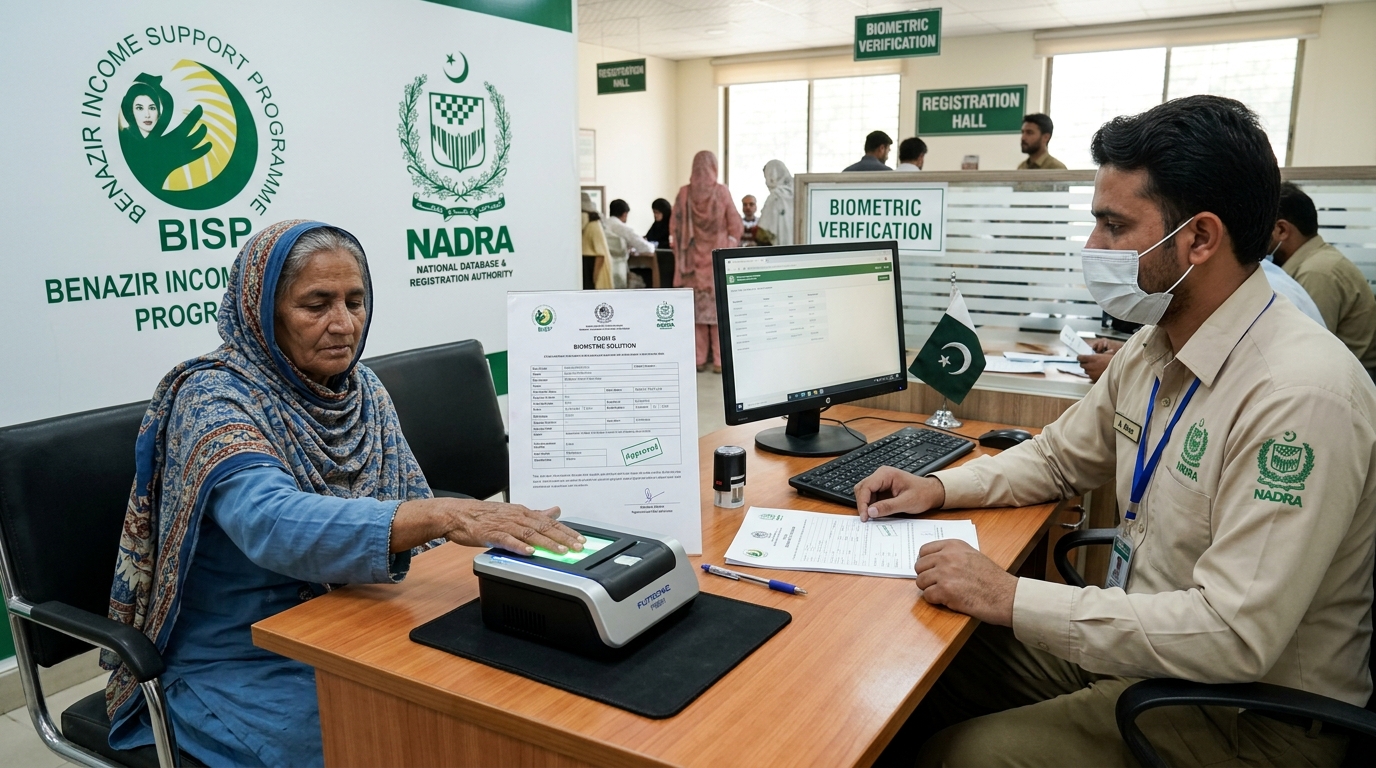
BISP Biometric Failed? Guaranteed Rs 13,500 Fix
POS machine ya ATM par fingerprints match na hone ki surat mein 13,500 Rs ki payment Form B aur NADRA verification ke zariye hasil karne ka mukammal tariqa.
Read guide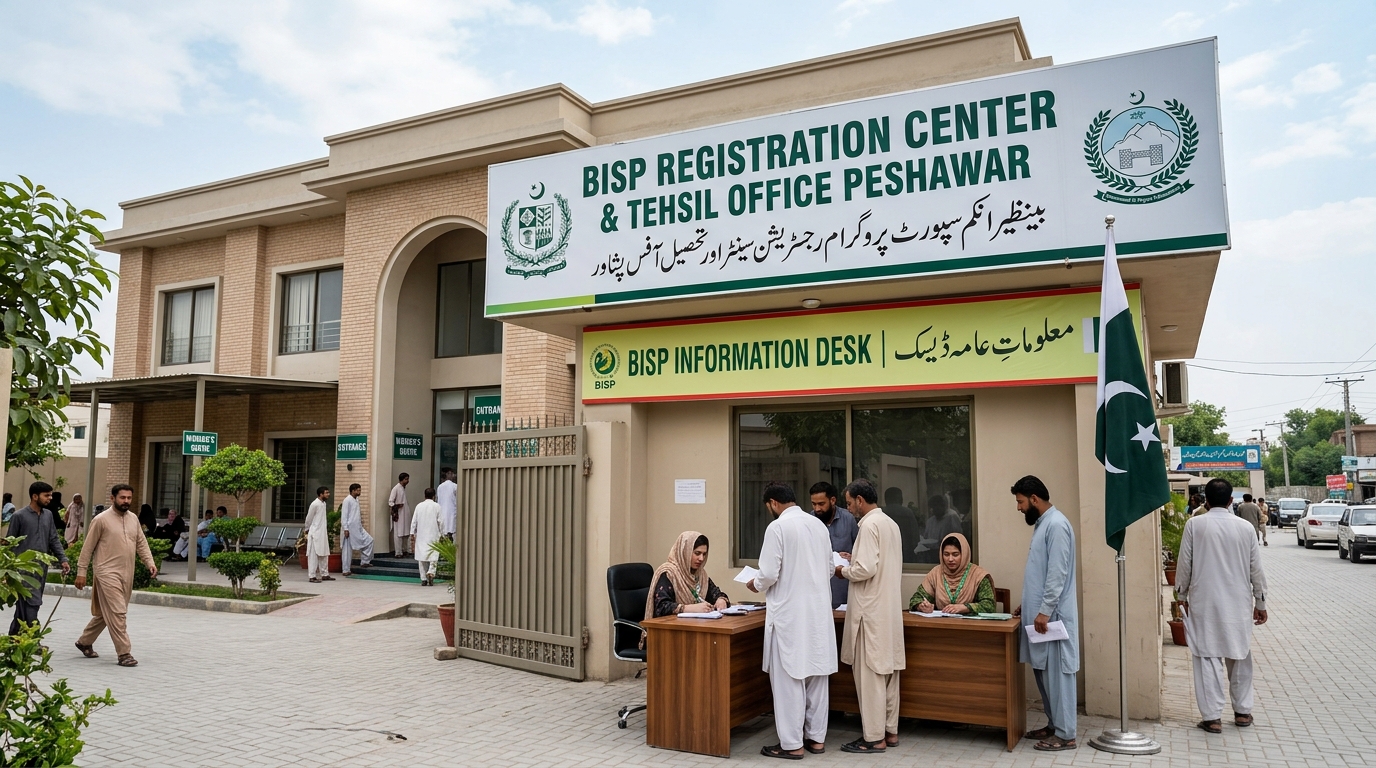
Verified BISP Tehsil Offices KPK & Peshawar List
Peshawar aur KPK ke tamam major districts ke BISP offices ke exact addresses, contact details aur timings ki mukammal master list.
Read guide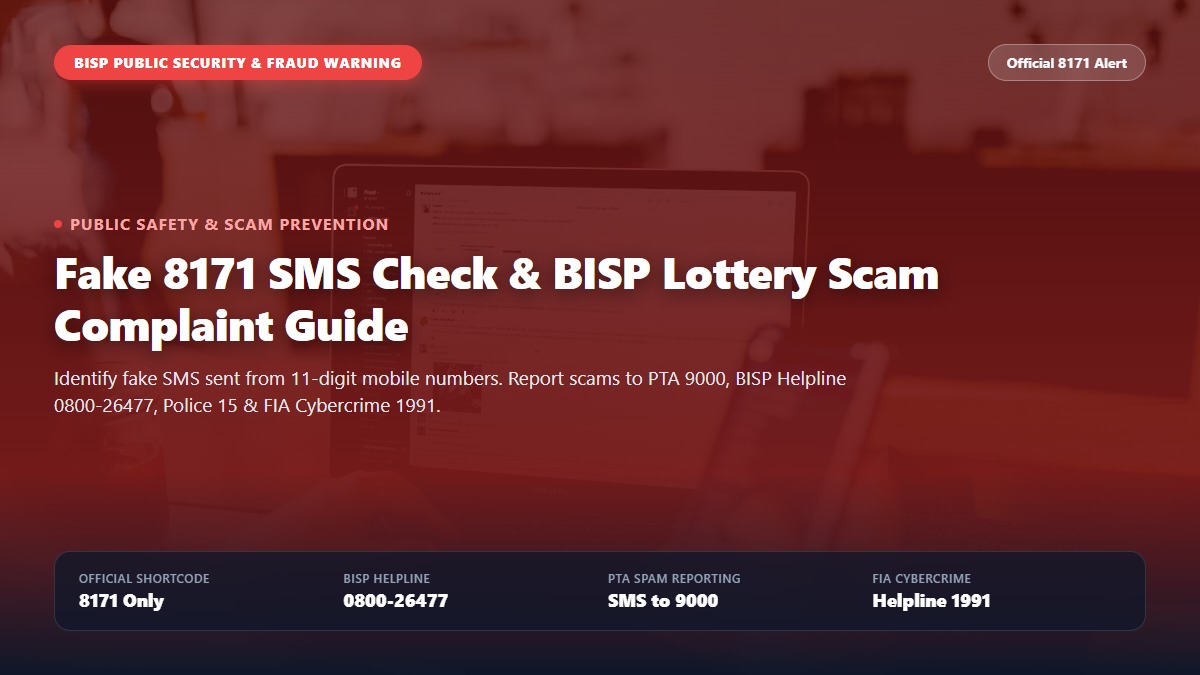
Fake 8171 SMS Check, Complaint & BISP Lottery Fraud Alert Guide
Spot fake 8171 SMS scams and report BISP lottery fraud. Step-by-step guide to reporting scammers on PTA 9000, BISP Helpline 0800-26477, Police 15, and FIA Cybercrime.
Read guide