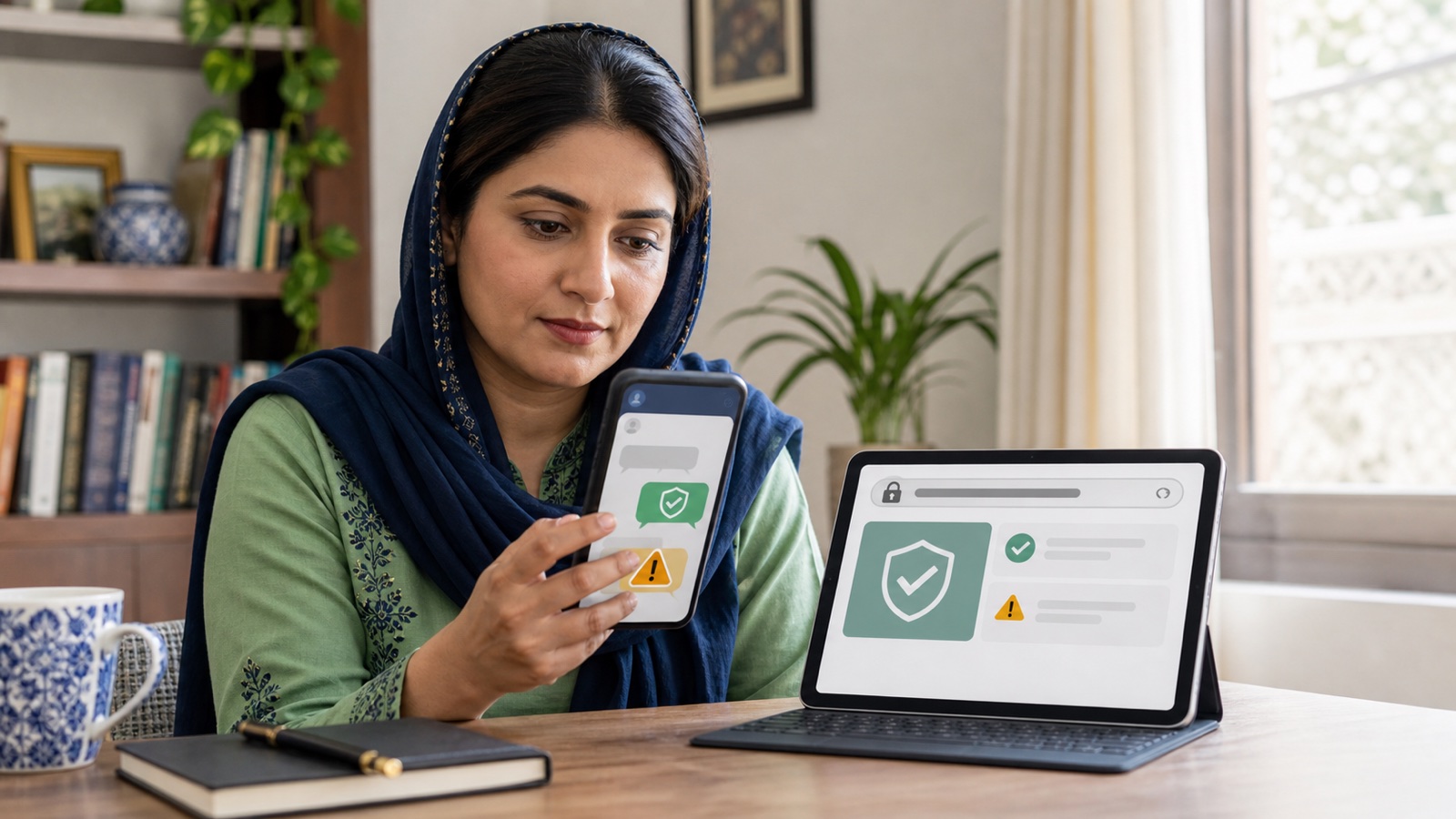
This article explains public information. It does not determine eligibility or replace an official notice.
Three Official Ways to Check Your BISP Eligibility
You can check BISP eligibility three official ways: online at 8171.bisp.gov.pk by entering your 13-digit CNIC, by sending your CNIC via SMS to 8171, or in person at a BISP Tehsil office — all three query the same NSER record and PMT score and return the same underlying status.
Check BISP Eligibility Online at the 8171 Portal
The 8171 web portal is the fastest of the three official methods, returning a result in seconds once you submit the form correctly. Open the portal at a trusted address, type your 13-digit CNIC without dashes into the entry field, complete the image code (captcha), and submit.
The response draws on NADRA's identity record to match your CNIC and on your household's NSER data to return an eligibility status — the portal itself doesn't store a separate "yes/no" list; it looks up whatever record already exists for that CNIC. If you've recently gotten a new CNIC or corrected a NADRA record, allow a short delay before the portal reflects it.
Check BISP Eligibility by SMS to 8171
Sending your CNIC by SMS works exactly like the portal but needs no internet connection or smartphone. Type your 13-digit CNIC without spaces or dashes and send it as a plain text message to the short code 8171 from your own registered mobile number.
The service is free on Pakistan's major networks — Jazz, Telenor, Ufone, and Zong — and a reply typically arrives within a few minutes. Because the SMS route queries the same NSER/PMT record as the web portal, expect the same status either way; if the two ever disagree, that's a sign to visit a Tehsil office rather than trust one over the other.
Check BISP Eligibility In Person at a Tehsil Office
A BISP Tehsil office exists specifically for cases the portal and SMS can't resolve on their own — a missing record, a mismatched CNIC, or a status that needs a fresh survey. Staff there can look up your household directly against the NSER database and tell you which step, if any, comes next.
This route takes longer than SMS or the portal, so it's best treated as the fallback when the two remote methods return "no record" or "survey required" rather than a clear yes or no. Bring your original CNIC; a photocopy alone usually isn't enough for staff to act on your case.
What Each 8171 Result Message Means
The three methods above all return one of a handful of standard messages, and knowing what each one actually means saves a wasted trip.
| Result message | What it means | What to do |
|---|---|---|
| Eligible / registered under a programme | Your household's PMT score falls at or under BISP's current cutoff | Follow the message's instructions for collecting your payment |
| Not eligible | Your recorded PMT score is above the cutoff | See the eligibility criteria that decide this, not a wrong CNIC entry |
| No record found | No NSER survey has ever been completed for this CNIC/household | Visit a Tehsil office to register, or check our registration guide |
| Survey required / verification pending | A record exists but needs an update or fresh visit | Visit a Tehsil office with your CNIC; don't resubmit the same check repeatedly |
| Under review | A previous request or complaint is still being processed | Wait for the stated timeframe before checking again |
Portal vs. SMS vs. Office: Which Should You Use?
Start with the portal or SMS — they cost nothing and take minutes. Only go to the Tehsil office once one of those two comes back with a result that needs a human to resolve.
| Method | Needs | Speed | Best for |
|---|---|---|---|
| 8171 web portal | Internet access, a device | Seconds | Anyone with internet who wants the fastest check |
| SMS to 8171 | Any basic mobile phone, no internet | A few minutes | Rural areas or no internet access |
| BISP Tehsil office | A trip in person, original CNIC | Same visit, longer wait | "No record" or "survey required" results the remote methods can't fix |
Common Problems When Checking Eligibility
Most failed checks come down to a handful of repeatable causes rather than a broken system.
- Not receiving the SMS reply — confirm you sent the CNIC as digits only, with no dashes or spaces, from your own number; some networks briefly delay bulk short-code replies during high traffic.
- Portal not loading or timing out — this is usually server load during peak hours rather than your own connection; wait and retry, and always confirm you're on the genuine bisp.gov.pk domain before trying an alternative link.
- CNIC entered but no result appears — recheck for a typo in the 13 digits before assuming your household has no record; a single digit error returns "not found" rather than an error message.
Who Actually Qualifies (and Where to Read the Full Criteria)
Checking your status tells you the outcome, not the reasoning behind it. BISP eligibility itself runs on a household's PMT score from its NSER survey, compared against BISP's approved cutoff — not a self-reported income figure. Our dedicated guide to BISP eligibility criteria breaks down the cutoff, the common disqualifying factors, and the disability and transgender exceptions in full; this guide focuses on the checking process itself rather than repeating that here.
If you haven't had an NSER survey completed yet, a "no record found" result is expected rather than a sign of ineligibility — see our BISP registration guide for how that record gets created.
Avoiding Fake BISP Eligibility Checkers
BISP has repeatedly warned that 8171 is its only official number for this service, and that no legitimate check ever asks for an OTP, a bank PIN, or a "processing fee" to reveal a result. A message from any other short code claiming to check or unlock your BISP status should be treated as fraudulent regardless of how official it looks.
Before entering a CNIC on any website, confirm the address is the genuine bisp.gov.pk domain rather than a copycat with a similar name. The check itself — by portal, SMS, or in person — is always free.
Frequently asked questions
How do I check my BISP 8171 eligibility?
Send your 13-digit CNIC to 8171 by SMS, enter it at the 8171 web portal, or visit a BISP Tehsil office in person — all three return the same status.
Can I check BISP eligibility without internet?
Yes. Send your CNIC as a plain SMS to 8171 from your own mobile number; no data connection or smartphone is required.
Is checking BISP eligibility free?
Yes, on all three official methods. Standard SMS charges from your own network may apply to the text message itself, but the service is free.
What does "survey required" mean when I check my status?
It means a record exists for your household, but BISP needs to verify or update it — usually through a fresh Tehsil office visit — before a final eligibility status can be confirmed.
What does "no record found" mean?
No NSER survey has ever been completed for that CNIC, so there's nothing yet to check for eligibility against; you'd need to register first.
Why do I get different results from the portal and SMS?
Both draw on the same underlying NSER/PMT record, so a genuine difference is rare — if it happens, treat it as a sign to confirm your status in person at a Tehsil office rather than trusting one channel over the other.
How long does an SMS eligibility reply take?
Typically a few minutes, though it can take longer during high-traffic periods after a public announcement.
Do I need my original CNIC to check online or by SMS?
No — you only need to know the 13-digit number. An original CNIC is only needed if you visit a Tehsil office in person.
Can someone else check my eligibility on my behalf?
The portal and SMS only need the CNIC number, so technically yes, but BISP advises against sharing your CNIC with unofficial helpers given the scam risk around this service.
What if the 8171 portal shows an error or won't load?
It's usually temporary server load; wait and try again later. Confirm you're using the genuine bisp.gov.pk address rather than an unofficial copy before assuming your CNIC is the problem.
Does checking my eligibility affect my application or record in any way?
No — checking your status is a read-only lookup against your existing NSER record; it doesn't submit a new application or change your data.
How do I actually find out why I'm not eligible?
The check tells you the outcome, not the reason. See our eligibility criteria guide for the PMT cutoff and common disqualifying factors that decide the "why."
Sources and official links
Check the destination address before entering personal information.
Saad has covered BISP, Ehsaas, and provincial welfare schemes for Live Govt Schemes & Ehsaas Programs since 2024, cross-checking every guide against the current official portal before publication.
Ayesha reviews programme-eligibility and payment content for accuracy against BISP, NADRA NSER, and provincial notices, and flags any guide that needs an update after an official policy change.
Related guides
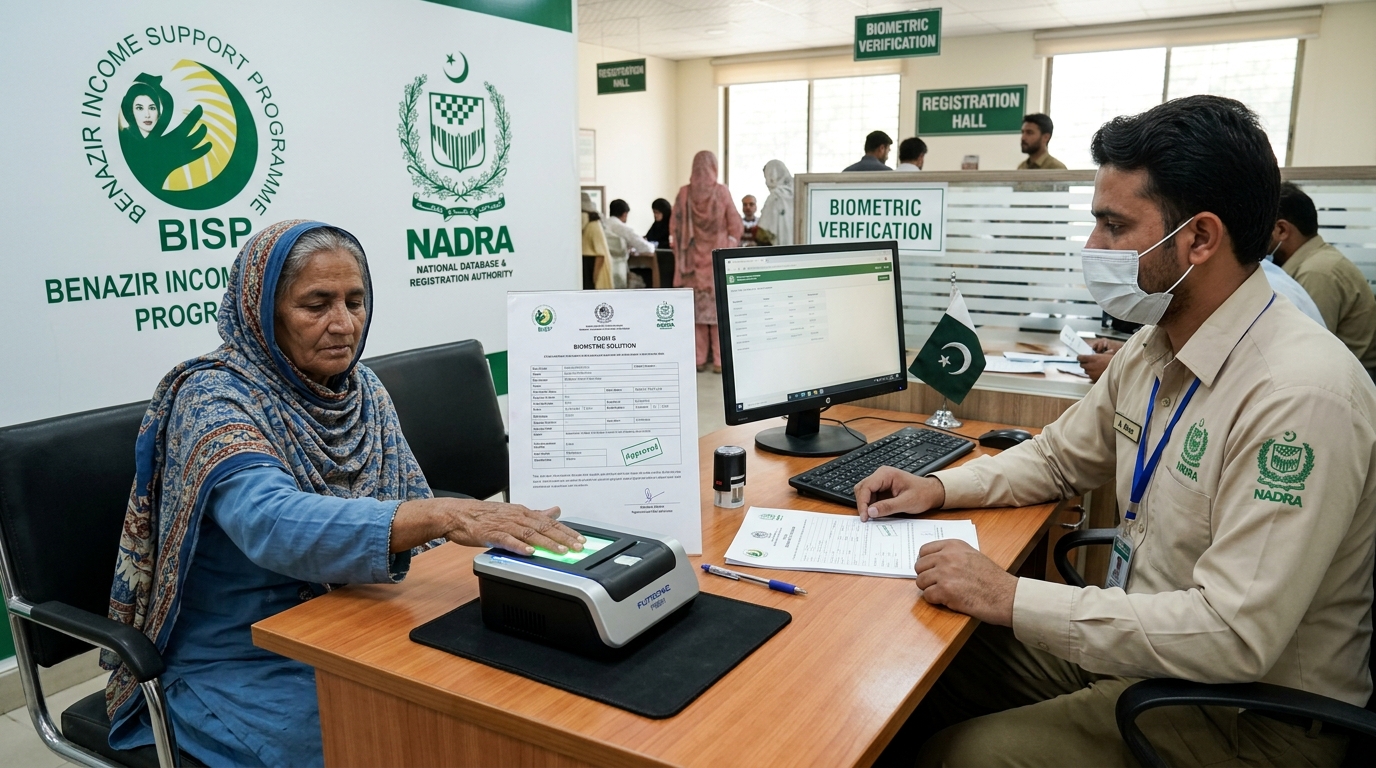
BISP Biometric Failed? Guaranteed Rs 13,500 Fix
POS machine ya ATM par fingerprints match na hone ki surat mein 13,500 Rs ki payment Form B aur NADRA verification ke zariye hasil karne ka mukammal tariqa.
Read guide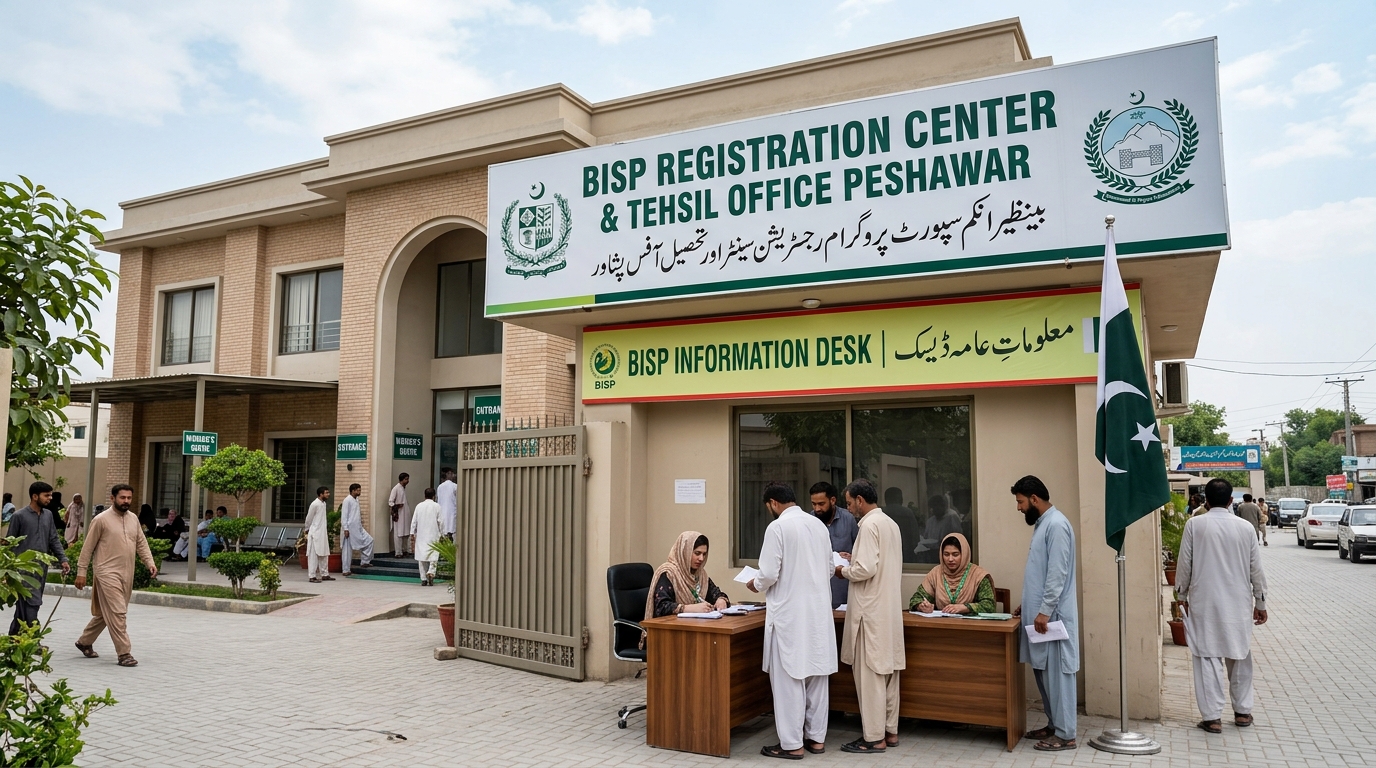
Verified BISP Tehsil Offices KPK & Peshawar List
Peshawar aur KPK ke tamam major districts ke BISP offices ke exact addresses, contact details aur timings ki mukammal master list.
Read guide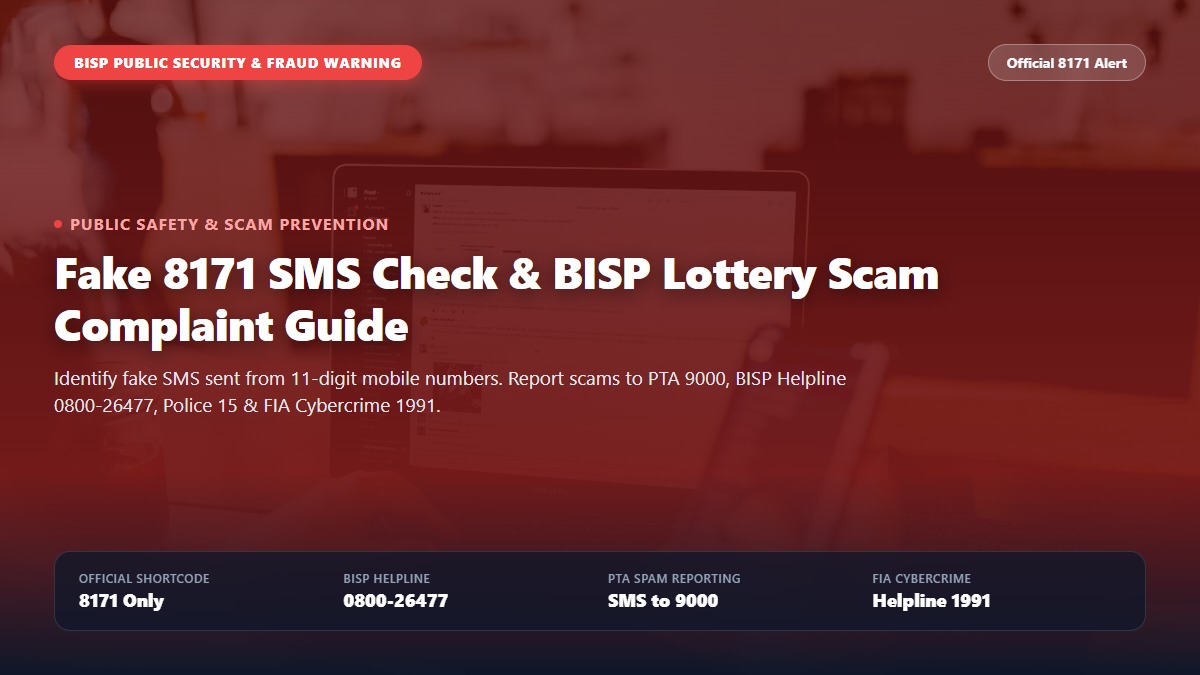
Fake 8171 SMS Check, Complaint & BISP Lottery Fraud Alert Guide
Spot fake 8171 SMS scams and report BISP lottery fraud. Step-by-step guide to reporting scammers on PTA 9000, BISP Helpline 0800-26477, Police 15, and FIA Cybercrime.
Read guide