
This article explains public information. It does not determine eligibility or replace an official notice.
Check BISP status by CNIC in four steps
To check BISP status by CNIC in 2026, open https://8171.bisp.gov.pk/, enter the CNIC of the person whose status you are checking, type the code shown in the image, and submit the public form. Save the exact response privately and follow its stated next step. This lookup checks an existing status; it does not register a household or approve a payment.
A BISP registration check by CNIC retrieves programme status using a Computerized National Identity Card. Final eligibility depends on the household record and programme criteria—not on how often the form is submitted.
Live Govt Schemes & Ehsaas Programs does not collect or check CNICs. The routes in this guide were checked on August 14, 2026; enter personal data only on the verified BISP page.
Use the official BISP CNIC-check page
The current public page is hosted at 8171.bisp.gov.pk and displays a 13-digit CNIC field plus an image-code field. Confirm that exact host in the address bar before typing personal information. Do not rely on a logo, embedded form, search advertisement, unofficial app, WhatsApp agent, or a page that only includes the phrase '8171 BISP gov pk.'
The public status form does not display a BISP login username and password. A separate service at 8171validation.bisp.gov.pk is a login page for a different purpose; it is not the public two-field CNIC form described here. Do not enter credentials there to perform an 8171 check online CNIC login in 2026 unless BISP has specifically authorized you to use that separate service.
How to check BISP registration status by CNIC online
The public BISP CNIC check requires the identity number and visible image code, not an account. Use a trusted device, submit once, and wait for the response.
Enter the 13-digit CNIC of the person whose status is being checked, review every digit, then copy the CAPTCHA or verification image into the second field. The code validates the form request, not programme eligibility.
- Open https://8171.bisp.gov.pk/ on a trusted phone or computer.
- Confirm that the address bar shows the official BISP host before entering personal data.
- Enter the 13-digit CNIC of the person whose BISP status you need to check.
- Type the code displayed in the image into the verification-code field.
- Submit once and allow the page time to return a response.
- Write down the exact wording or save it privately without exposing the CNIC.
How to understand the 8171 response
Treat the returned wording as the instruction for that lookup; do not compress different messages into one generic label. BISP may change interface wording, so this guide groups responses by meaning instead of inventing fixed labels such as 'active,' 'pending,' or 'under verification.' Save the exact message before choosing a next step.
| Response category | What it establishes | Next-step direction |
|---|---|---|
| Eligible or beneficiary wording | The portal returned a positive programme-status response | Follow the exact instruction and act on payment directions only through official BISP communication |
| No record | No household or person record was returned for that lookup | Use BISP's Benazir Registration Desk route |
| Survey, recertification, or office instruction | An administrative step is required | Follow the exact message at a BISP tehsil office or the named official channel |
| Error, blank page, or no result | No usable status was returned | Recheck both fields, retry later, or use the portal troubleshooting guide |
Status check, registration, eligibility, and payment are different
A CNIC lookup retrieves information; registration records household data; eligibility applies BISP programme criteria; and payment is a later communication and disbursement process. Keeping these entities separate prevents the common mistake of treating the public portal as a BISP 8171 online registration form or assuming that checking repeatedly can release a payment.
NSER means National Socio-Economic Registry; its survey records household socioeconomic information. PMT means Proxy Means Test, which uses household indicators in welfare assessment. Benazir Kafaalat is one BISP programme, while 'Ehsaas' is not a universal current label for every response.
Here, online CNIC verification means a BISP status lookup—not general identity verification by NADRA, which manages CNIC identity records.
| Action or entity | What it does | What it does not do |
|---|---|---|
| CNIC status check | Retrieves a portal response | Does not create, approve, or edit a household record |
| NSER survey | Records household socioeconomic information | Does not guarantee eligibility |
| PMT and programme decision | Applies BISP welfare and programme criteria | Is not decided by this website or by repeated lookups |
| Programme selection | Identifies a qualifying beneficiary | Does not itself confirm today's payment availability |
| Payment communication and disbursement | Provides collection instructions and releases support | Is not triggered by submitting the status form again |
What to do when the portal shows no record
A no-record response is a completed lookup, not a website outage. BISP's published Kafaalat guidance says that when the 8171 portal returns no record, an adult household member may visit the nearest Benazir Registration Desk at a BISP tehsil office for a household survey.
The desk assesses whether the household needs a new NSER survey, a dynamic-registry update, or another step; this guide cannot promise the workflow or result.
Take the documents requested in current BISP guidance, keep any receipt or token, and answer survey questions accurately. Use the registration guide for the full document checklist.
What to do after an eligible or beneficiary response
Follow the exact portal instruction and wait for the official 8171 communication required for payment or collection. Do not travel to a payment centre only because of a forwarded message, social-media post, old screenshot, or a positive status from a previous payment cycle.
BISP identifies 8171 as its official messaging number. Confirm the actual sender and follow the current instruction. Take the original CNIC only to an authorized location and keep any receipt. Payment amounts, dates, and biometric requirements can vary by programme and cycle.
Protect your CNIC during an online BISP check
Enter a CNIC only on the verified BISP-hosted public form and keep the result private. A CNIC is sensitive personal data, and a portal screenshot may reveal both the identity number and programme information. Redact those details before sharing a screenshot with legitimate support.
BISP states that its survey is free and that 8171 is its only official messaging number. A fee for survey, approval, activation, or faster payment is a warning sign. Never paste a CNIC into comments, email, or chat.
- Confirm 8171.bisp.gov.pk before entering the 13-digit CNIC.
- Do not share an OTP, bank PIN, account password, card detail, or mobile-wallet code.
- Do not post an unredacted CNIC or portal response on social media.
- Check the actual SMS sender rather than trusting '8171' written inside a message.
- Do not pay anyone for the NSER survey or a promise of programme approval.
If the CNIC form will not load or submit
Verify the official host and both form fields first. Reload the official page if the image code is unreadable, then try a private window or another current browser. If necessary, switch once between Wi-Fi and mobile data or use another trusted device. A validation message is different from a programme-status response.
If the page still fails, retry later or use 8171, helpline 0800-26477, or a BISP tehsil office. Never move the CNIC to an unofficial checker.
BISP CNIC check: quick action summary
For a BISP registration check by CNIC, use the official page, complete the two visible fields, save the returned wording, and take only the official next step. The CNIC identifies the lookup subject, the BISP portal performs the check, and the image code validates submission. Registration, eligibility, and payment remain separate processes.
People may also search for an Ehsaas program CNIC check online, online CNIC verification, or 8171 check online CNIC 2026. The safe current workflow is the same: start at the verified BISP host, protect the CNIC, and let the exact response—not an unofficial agent—determine the route that follows.
- Open the verified BISP public portal.
- Enter the relevant 13-digit CNIC.
- Enter the code shown in the image.
- Submit once and wait for the response.
- Save the exact wording privately.
- Follow the relevant BISP status, registration, or payment route.
Frequently asked questions
How can I check my BISP status by CNIC online?
Open https://8171.bisp.gov.pk/, enter the relevant 13-digit CNIC and the image code, then submit. Save the exact response privately and follow the official next step it provides.
Do I need a BISP username and password for the public CNIC check?
No. The current public page shows a CNIC field and an image-code field, not a public account login. Do not confuse a separate BISP login service with this status form.
What does the image code mean on the 8171 portal?
It is a human-verification field used to submit the form. Enter the characters shown in the image; a validation failure is not an eligibility result.
Does checking a CNIC online register a household for BISP?
No. The portal retrieves an available status. A new NSER survey or household update follows a separate BISP registration process.
What does no record mean on the BISP portal?
It means the lookup completed but did not return an available record. BISP guidance directs an adult household member toward the nearest Benazir Registration Desk for the survey route.
Does an eligible response mean a payment is ready?
Not necessarily. Follow the exact portal instruction and rely on official 8171 payment communication before traveling to a collection point.
Is the BISP CNIC check the same as NADRA verification?
No. This is a BISP programme-status lookup using a CNIC. NADRA manages identity records and is a separate entity.
What should I do if the public form does not load?
Verify the BISP host and both fields, test another browser or connection, and use the dedicated portal-troubleshooting guide. Never enter a CNIC on a third-party checker.
Sources and official links
Check the destination address before entering personal information.
Saad has covered BISP, Ehsaas, and provincial welfare schemes for Live Govt Schemes & Ehsaas Programs since 2024, cross-checking every guide against the current official portal before publication.
Ayesha reviews programme-eligibility and payment content for accuracy against BISP, NADRA NSER, and provincial notices, and flags any guide that needs an update after an official policy change.
Related guides
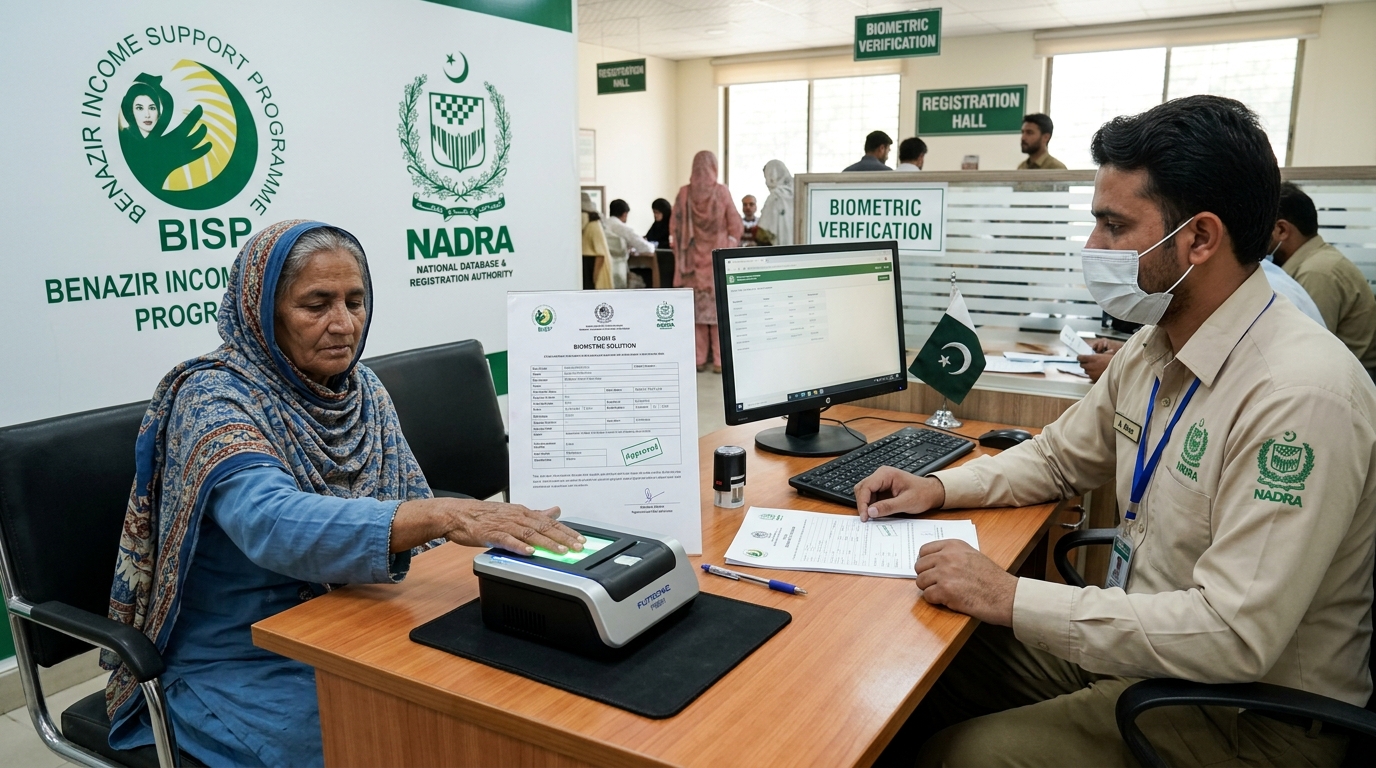
BISP Biometric Failed? Guaranteed Rs 13,500 Fix
POS machine ya ATM par fingerprints match na hone ki surat mein 13,500 Rs ki payment Form B aur NADRA verification ke zariye hasil karne ka mukammal tariqa.
Read guide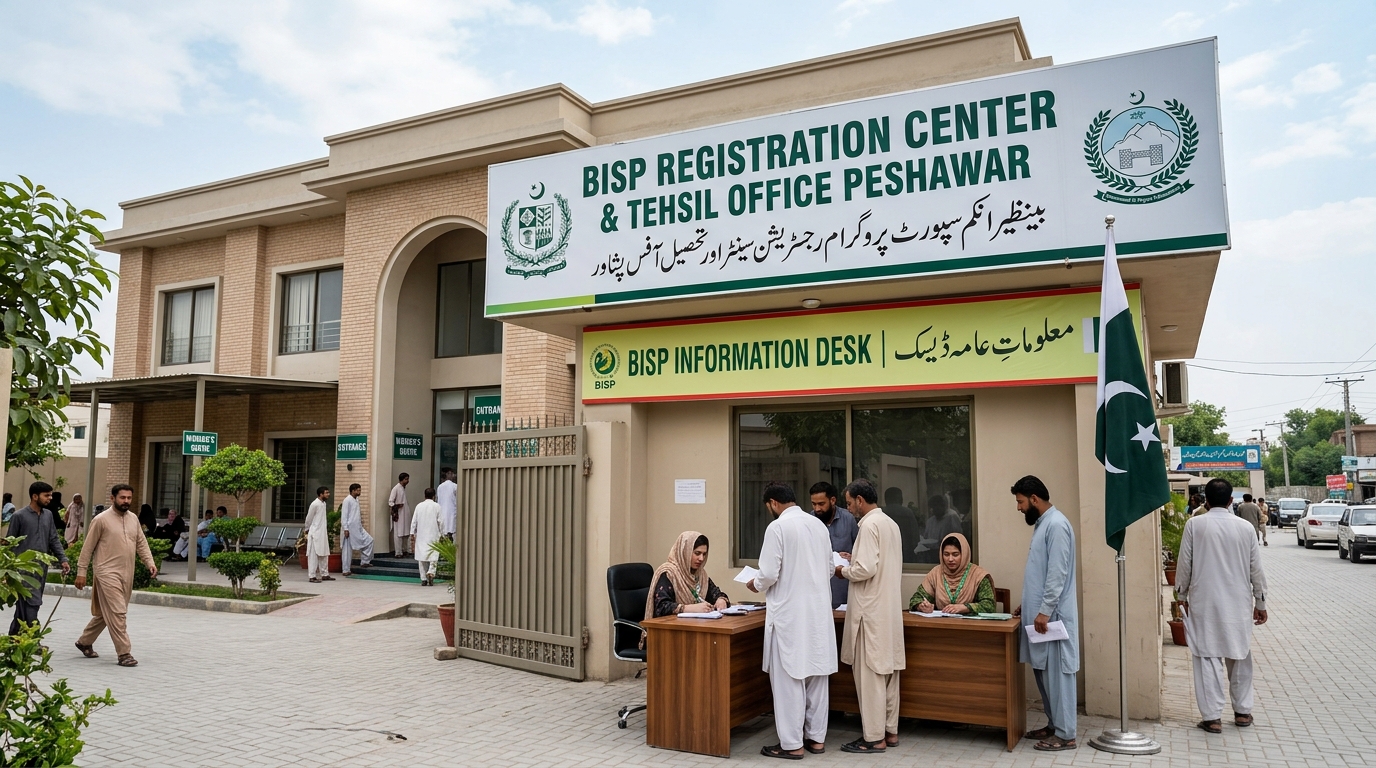
Verified BISP Tehsil Offices KPK & Peshawar List
Peshawar aur KPK ke tamam major districts ke BISP offices ke exact addresses, contact details aur timings ki mukammal master list.
Read guide
CM Balochistan Youth Skills Scheme 2026 Online Apply & Registration Guide
Apply online for CM Balochistan Youth Skills Scheme 2026. Complete guide to B-TEVTA online registration, courses, monthly stipends, and 30,000 overseas jobs.
Read guide