This article explains public information. It does not determine eligibility or replace an official notice.
Why Does the 8171 Portal Show 'Invalid CNIC' or 'Record Not Found'?
The 8171 portal displays 'Invalid CNIC' or 'Record Not Found in NSER' when an applicant's CNIC is not correctly linked to an active National Socio-Economic Registry (NSER) survey record. This issue frequently occurs after marriage when a woman changes her marital status, address, or husband's family tree details at NADRA, but fails to execute a secondary NSER data update at the BISP Tehsil Office.
Because the BISP automated database checks against NADRA records, any discrepancy between an un-updated CNIC and previous survey data causes the system to flag the entry. Additional causes include expired CNIC cards, typos during SMS checking, or families who have never participated in a formal NSER door-to-door or dynamic survey.
How to Update BISP NSER Record After Marriage (Step 1: NADRA Update)
Updating your BISP eligibility after marriage is a two-stage process that strictly requires updating your official identity records at NADRA before approaching BISP.
1. Obtain Marriage Registration Certificate (Nikah Nama)
Ensure you have an official computerized Nikah Nama issued by the Union Council or local municipal authority.
2. Visit NADRA Registration Center (NRC)
The female beneficiary and her husband must visit the nearest NADRA office together. Request an update to your marital status from 'Single' to 'Married'.
3. Modify CNIC & Family Registration Certificate (FRC)
Apply for a new CNIC reflecting your husband's name and updated permanent address. Request a fresh Family Registration Certificate (FRC) to establish the new household entity in NADRA central database.
How to Complete the BISP Dynamic Survey at Tehsil Office (Step 2: NSER Update)
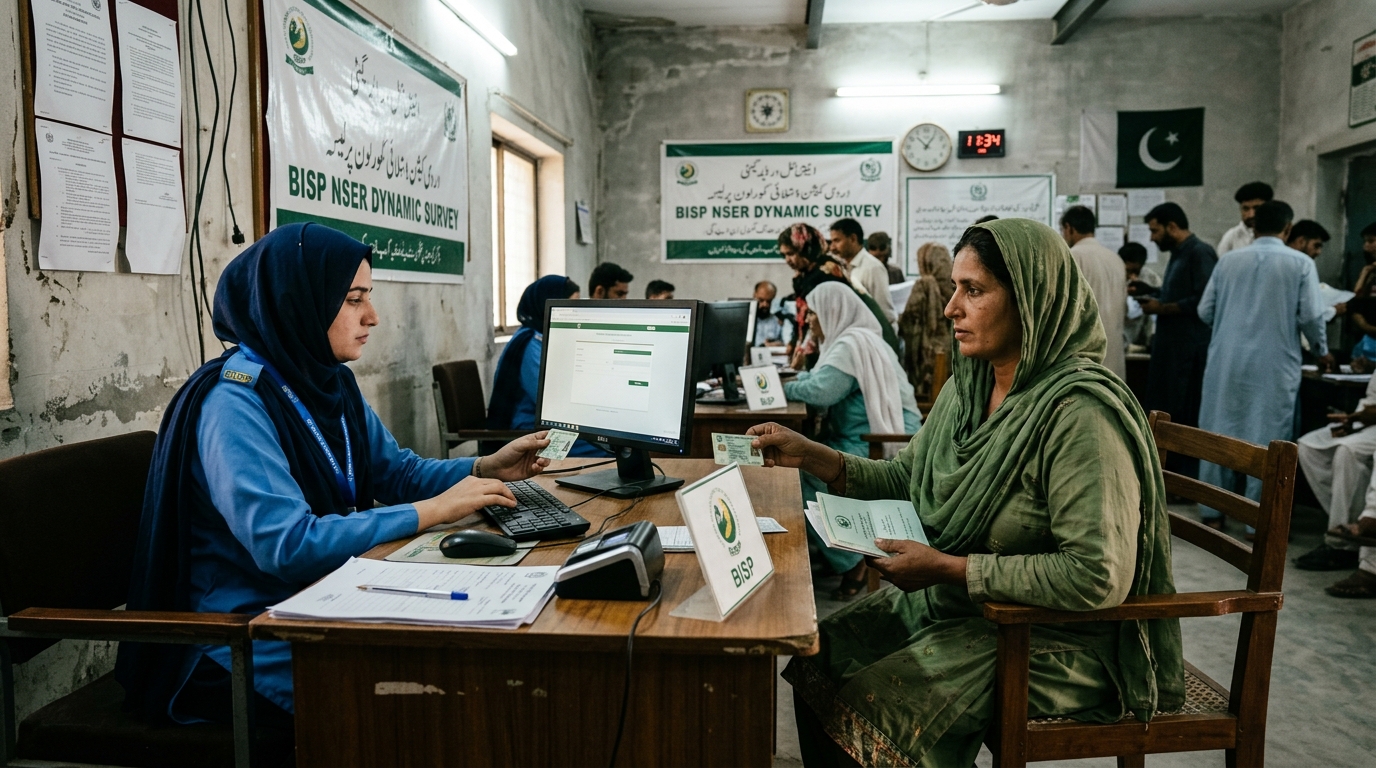
Once your updated CNIC is issued by NADRA, you must complete the NSER Dynamic Survey at your district BISP Tehsil Office. Online registration for NSER updates is not available; physical presence at the registration desk is mandatory.
Step 1: Visit the BISP Tehsil Dynamic Survey Desk
Go to the BISP Tehsil Office serving your district. Present your original updated CNIC and children's NADRA B-Forms at the entry token counter.
Step 2: Answer NSER Socio-Economic Assessment
A data entry operator conducts an interactive interview to evaluate your household PMT (Proxy Means Test) poverty score. Questions cover household assets, housing type, utility bills, livestock, and income sources.
Step 3: Biometric Thumb Verification & Receipt Generation
Verify all entered data on the operator's computer screen and provide biometric thumb prints. Obtain a printed NSER Dynamic Survey confirmation slip containing a tracking QR code and survey reference number.
What Documents Are Required for Marriage NSER Record Updating?
Bringing complete, verified documentation prevents application rejection at the BISP Tehsil Office.
| Document Name | Issuing Authority | Purpose in BISP NSER Survey |
|---|---|---|
| Original Updated CNIC | NADRA | Verifies updated marital status and head of household identity |
| Husband's Original CNIC | NADRA | Links spouse identity and family socio-economic status |
| Children's B-Forms (CRC) | NADRA | Enrolls children for BISP Taleemi Wazaif stipends |
| Recent Electricity / Gas Bill | Utility Provider | Confirms physical residential address and household consumption |
| Active Mobile Phone Number | Telecom Network | Registered under the beneficiary's own CNIC for 8171 SMS alerts |
How to Fix 'Invalid CNIC' Error on 8171 Portal (Troubleshooting Checklist)
If you encounter the 'Invalid CNIC' or 'Record Not Found' error while checking eligibility via 8171 SMS or web portal, follow this systematic troubleshooting checklist.
- Verify CNIC Number Formatting: Ensure you enter the 13-digit CNIC number without hyphens or spaces when sending an SMS to 8171 or querying 8171.bisp.gov.pk.
- Check CNIC Expiration Date: Renew expired CNIC cards at NADRA immediately; the 8171 system automatically rejects invalid or expired identification cards.
- Confirm Dynamic Survey Completion: If you have never completed a Dynamic Survey at a BISP Tehsil Office, your record will remain unlisted regardless of poverty status.
- Allow 30 to 45 Days System Sync: After completing the NSER Dynamic Survey, allow up to 45 days for NADRA and BISP central servers to process and update your PMT eligibility score.
Frequently asked questions
BISP 8171 invalid cnic error solution kya hai?
Invalid CNIC error fix karne ke liye pehle NADRA se apna CNIC update ya renew karwayein, phir BISP Tehsil Office ja kar NSER Dynamic Survey complete karwayein.
Shaadi ke baad BISP record update kaise karwayein?
Shaadi ke baad pehle NADRA office ja kar Nikah Nama ke sath CNIC par marital status change karwayein, phir NSER desk par naya Dynamic Survey karwayein.
BISP record not found in NSER ka kya matlab hai?
Iska matlab hai ke aap ka CNIC BISP ke NSER survey database mein majood nahi hai. Aap ko BISP Tehsil Office ja kar apna survey karwana hoga.
Can I update my NSER survey online at home?
No, there is no official online portal for NSER survey registration. Beneficiaries must physically visit a BISP Tehsil Office for biometric verification.
Is there any fee for updating NSER record at BISP office?
No, the BISP Dynamic Survey and NSER record updates are 100% free of charge. Never pay money to agents or touts claiming to approve your status.
Sources and official links
Check the destination address before entering personal information.
Muhammad Salman specializes in Pakistani public sector financing, youth entrepreneurship schemes, and government subsidy programmes, cross-referencing all data against official SBP circulars and ministry directives.
Ayesha reviews programme-eligibility and payment content for accuracy against BISP, NADRA NSER, and provincial notices, and flags any guide that needs an update after an official policy change.
Related guides
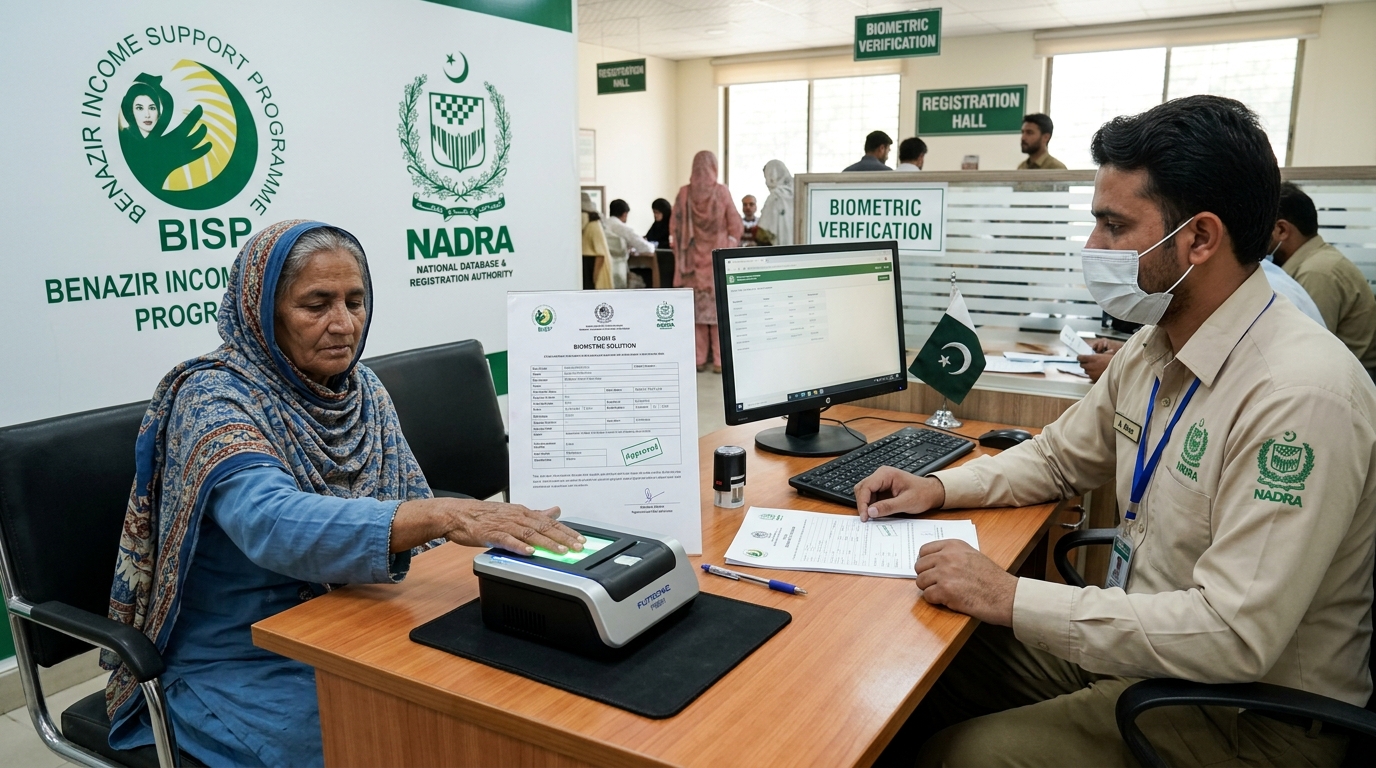
BISP Biometric Failed? Guaranteed Rs 13,500 Fix
POS machine ya ATM par fingerprints match na hone ki surat mein 13,500 Rs ki payment Form B aur NADRA verification ke zariye hasil karne ka mukammal tariqa.
Read guide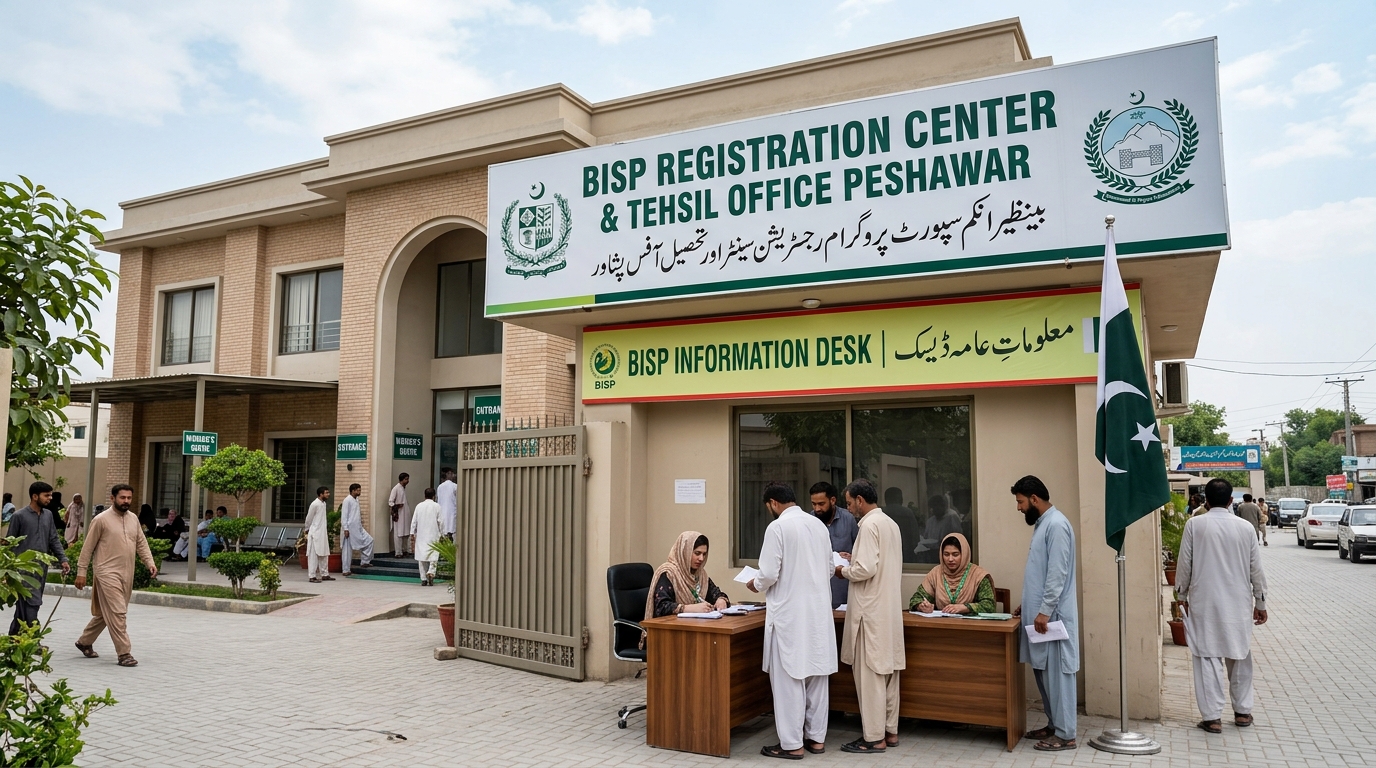
Verified BISP Tehsil Offices KPK & Peshawar List
Peshawar aur KPK ke tamam major districts ke BISP offices ke exact addresses, contact details aur timings ki mukammal master list.
Read guide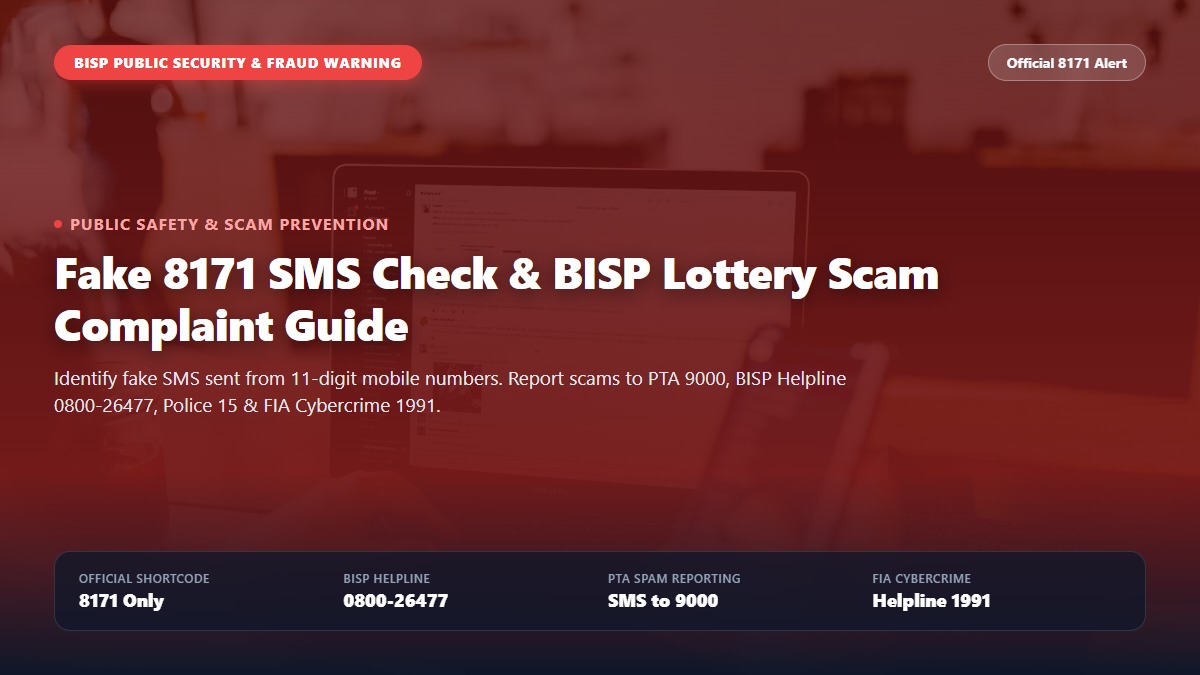
Fake 8171 SMS Check, Complaint & BISP Lottery Fraud Alert Guide
Spot fake 8171 SMS scams and report BISP lottery fraud. Step-by-step guide to reporting scammers on PTA 9000, BISP Helpline 0800-26477, Police 15, and FIA Cybercrime.
Read guide